Project Templates
Open Projects > Templates. Templates provide reusable milestones, sections, task definitions, and project configuration.
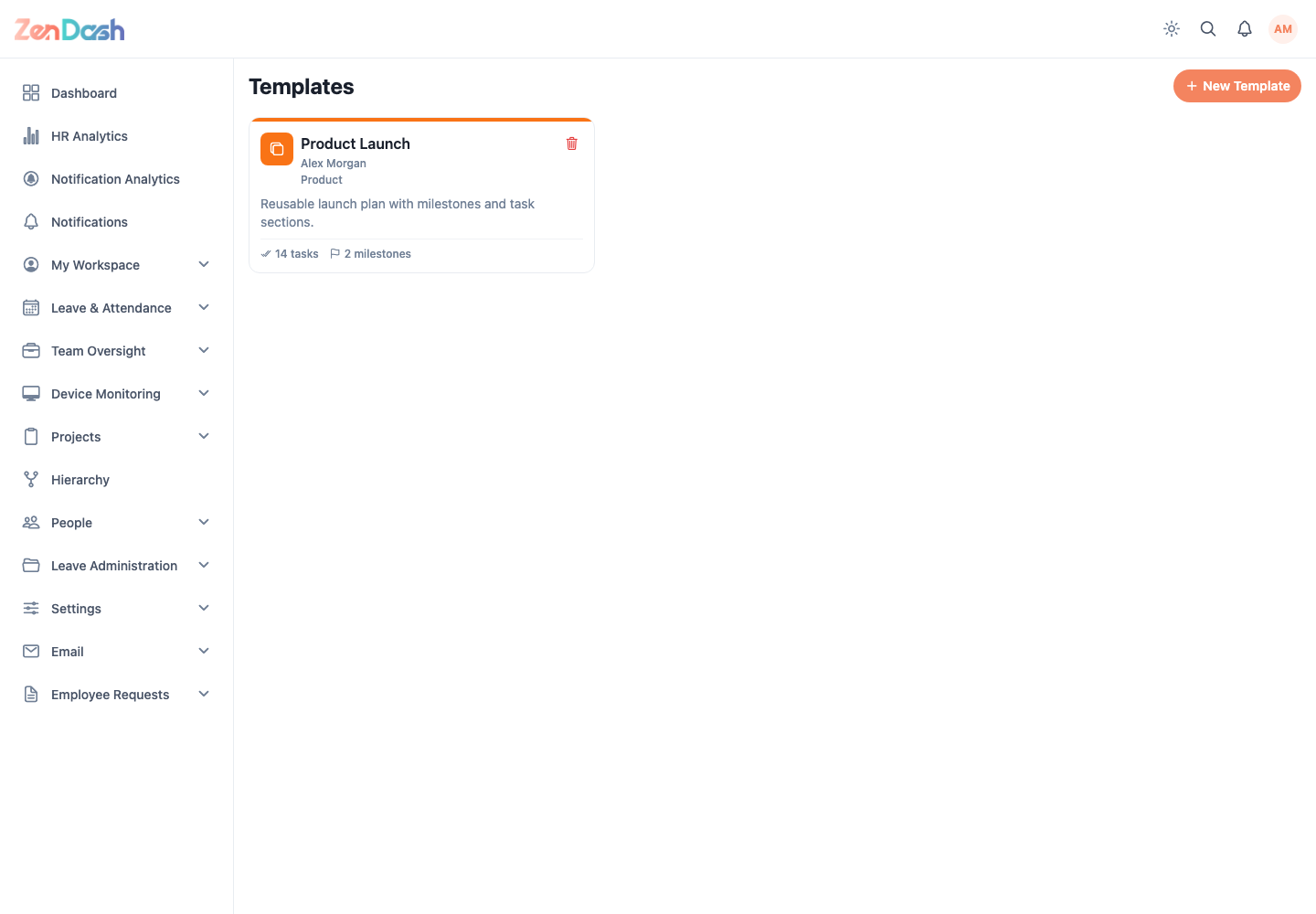
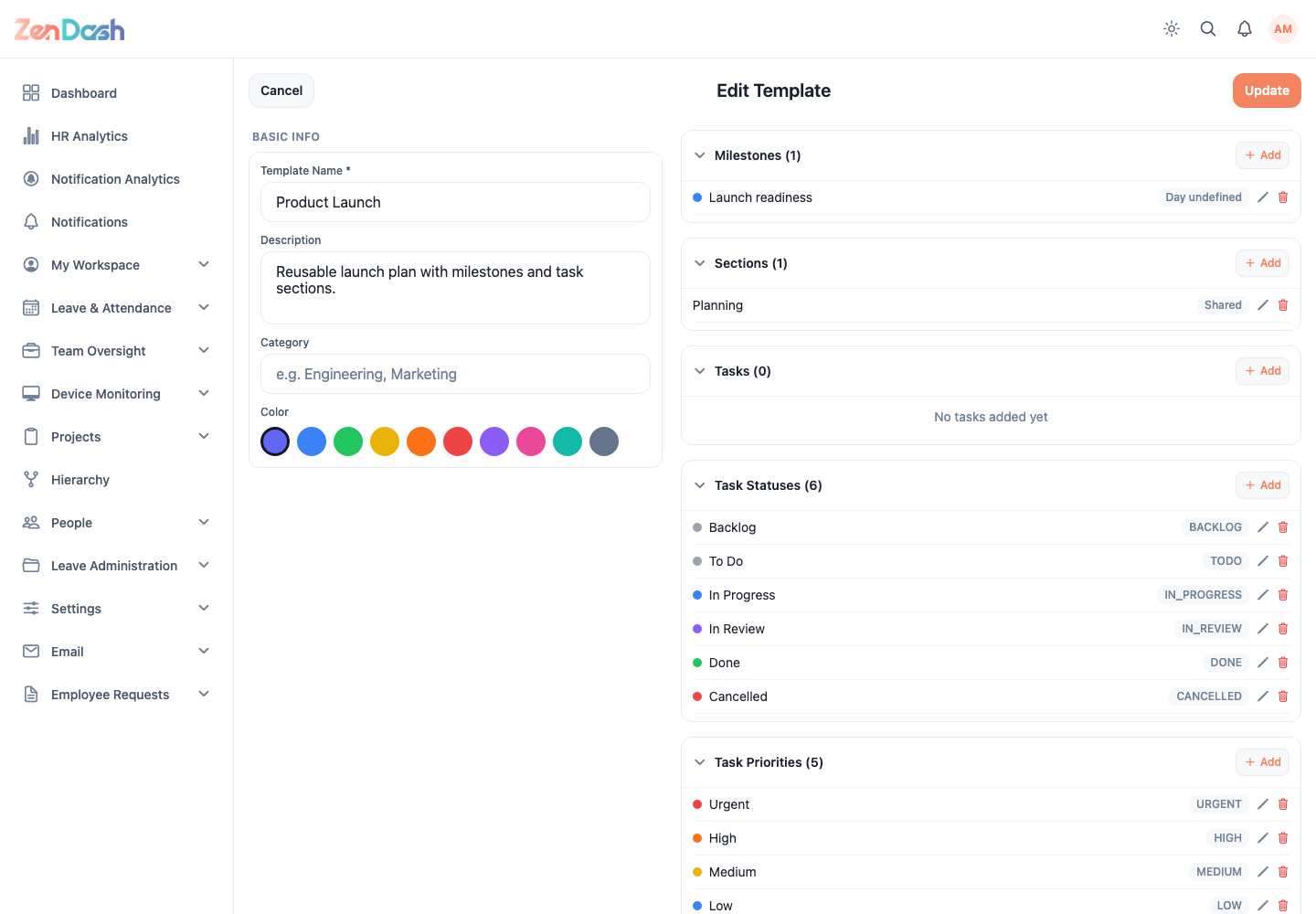
Select New Template and configure:
- Template Name, Description, and Category;
- Milestones;
- Sections;
- default Tasks;
- task statuses and priorities; and
- project statuses.
Save the template after checking names, ordering, and default values. Select an existing template to edit it, or use its delete action when it is no longer needed.
When creating a project, choose a template at the first step to preload its structure. The new project can then be adjusted without modifying the source template.