Projects
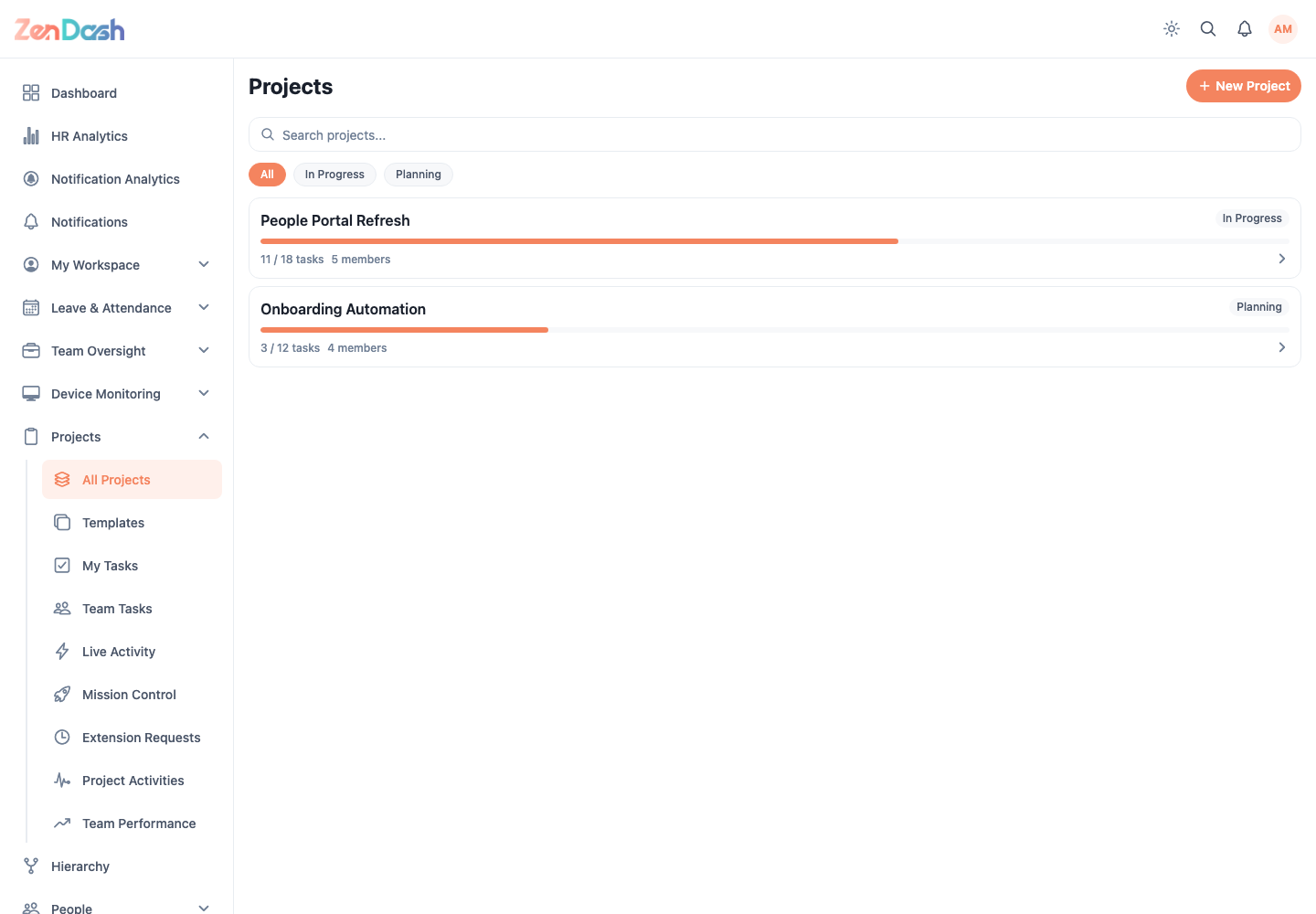
Open Projects > All Projects. Search projects by name and use the status filter to narrow the list.
Create a project
Select New Project. You can start from an available template or enter the setup directly. Configure:
- Project Name, optional Description, Status, Priority, and Visibility;
- the roles allowed to delete tasks;
- optional Start Date and Target End Date; and
- optional Sections, including whether each section is private.
Review the setup and create the project. Private sections restrict their tasks to assigned section members, while the owner and managers retain access.
Work in a project
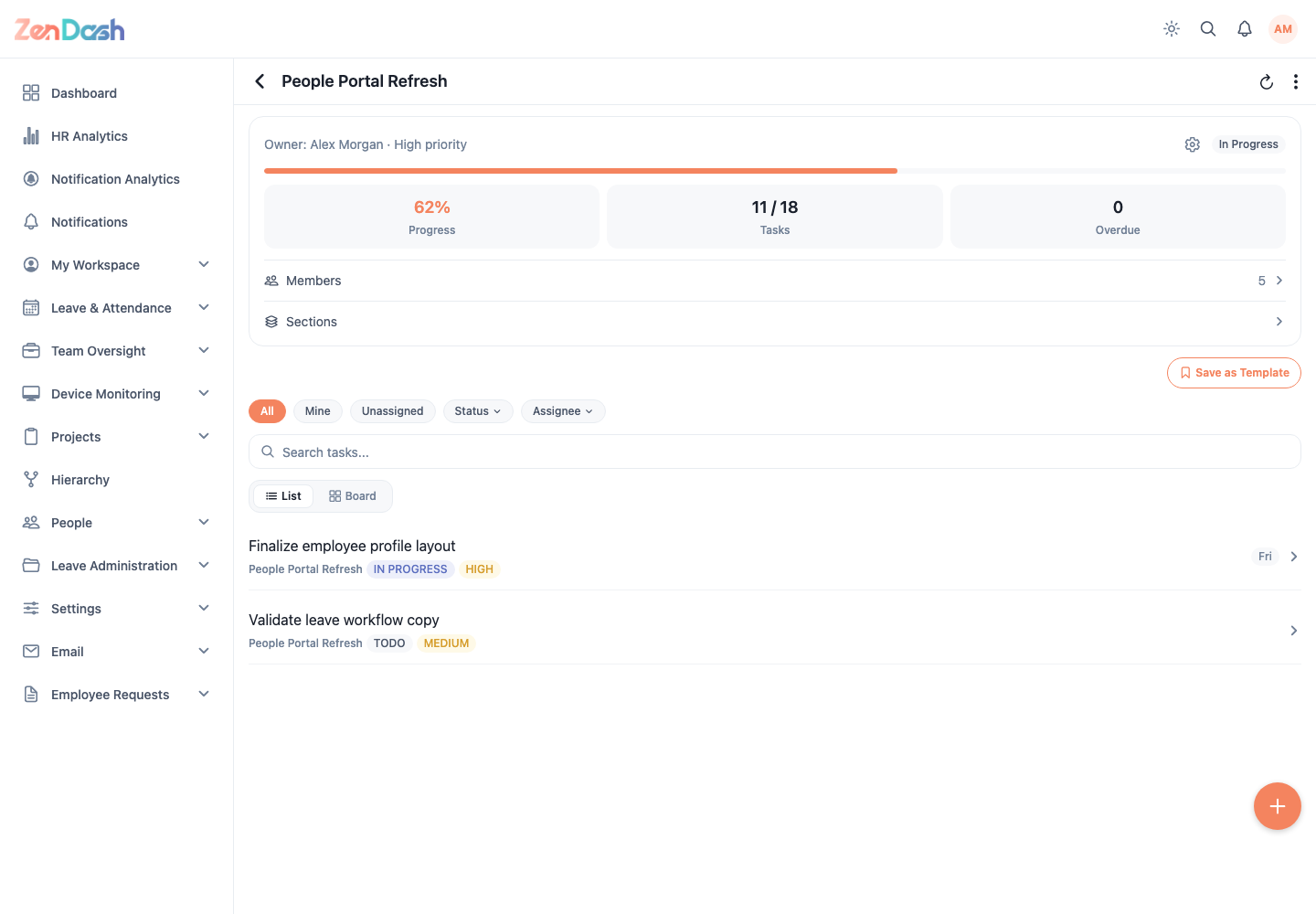
Select a project from the list. The project header summarizes its current status and schedule. Use:
- Tasks to search, filter, create, and open project work;
- Members to add employees and maintain their project roles; and
- the edit action to update project details when permitted.
Project access and available actions depend on visibility, project membership, role, and permission group.