Mission Control
Open Projects > Mission Control to review project health and alarms.
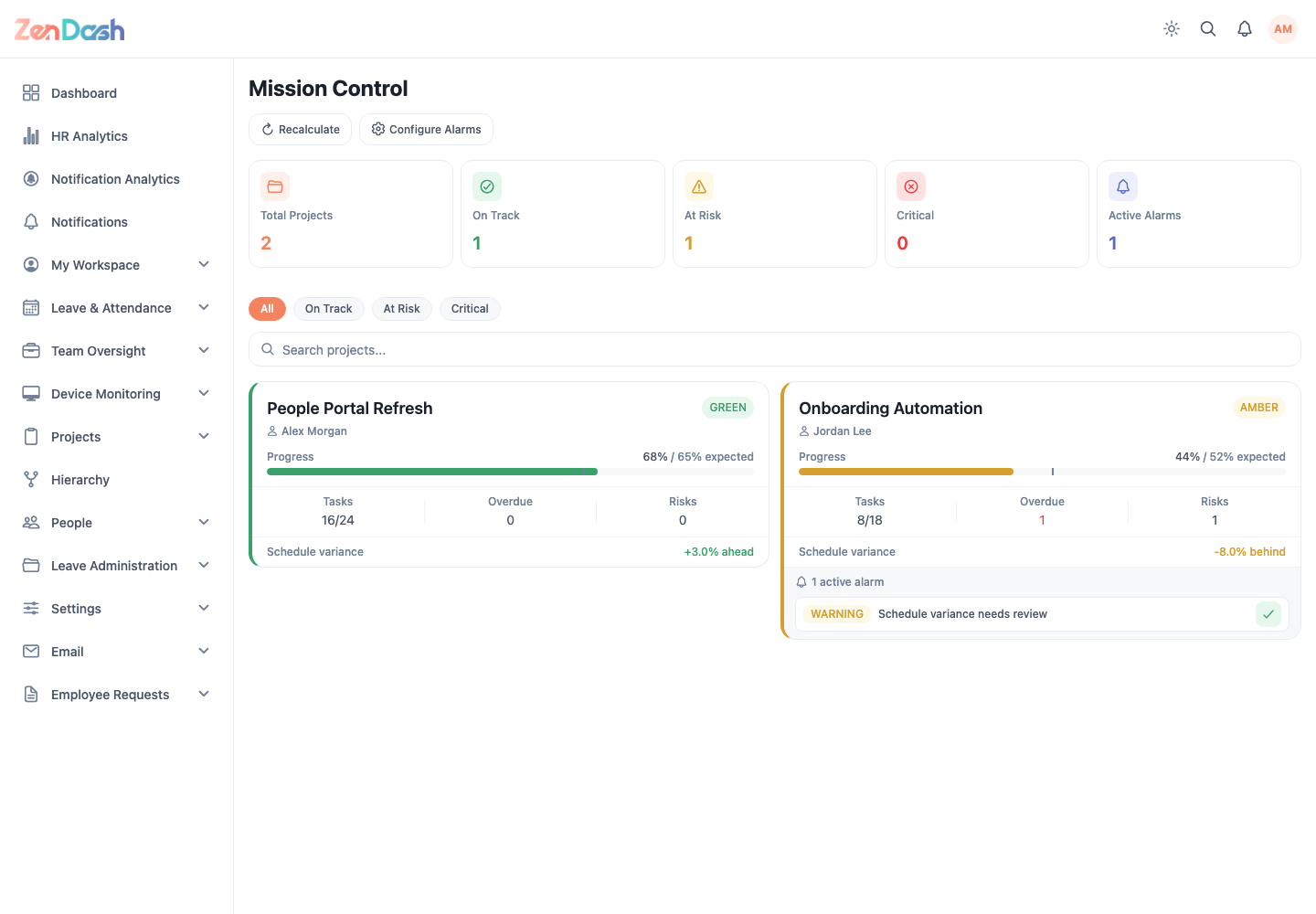
Use health filters such as Critical and On Track, or search by project name. Each health card summarizes the delivery signals and active alarms available for that project.
Select Recalculate to request updated health results. Use Configure Alarms to maintain the thresholds used to classify and flag projects. Authorized users can acknowledge an alarm from its project health card.
warning
Recalculation evaluates current project data against the configured thresholds. Coordinate threshold changes with the people responsible for delivery reporting.