Personal and Team Tasks
My Tasks
Open Projects > My Tasks. Select Add Task to create work in an active project. Use the sort control, such as Newest first, to reorder the list.
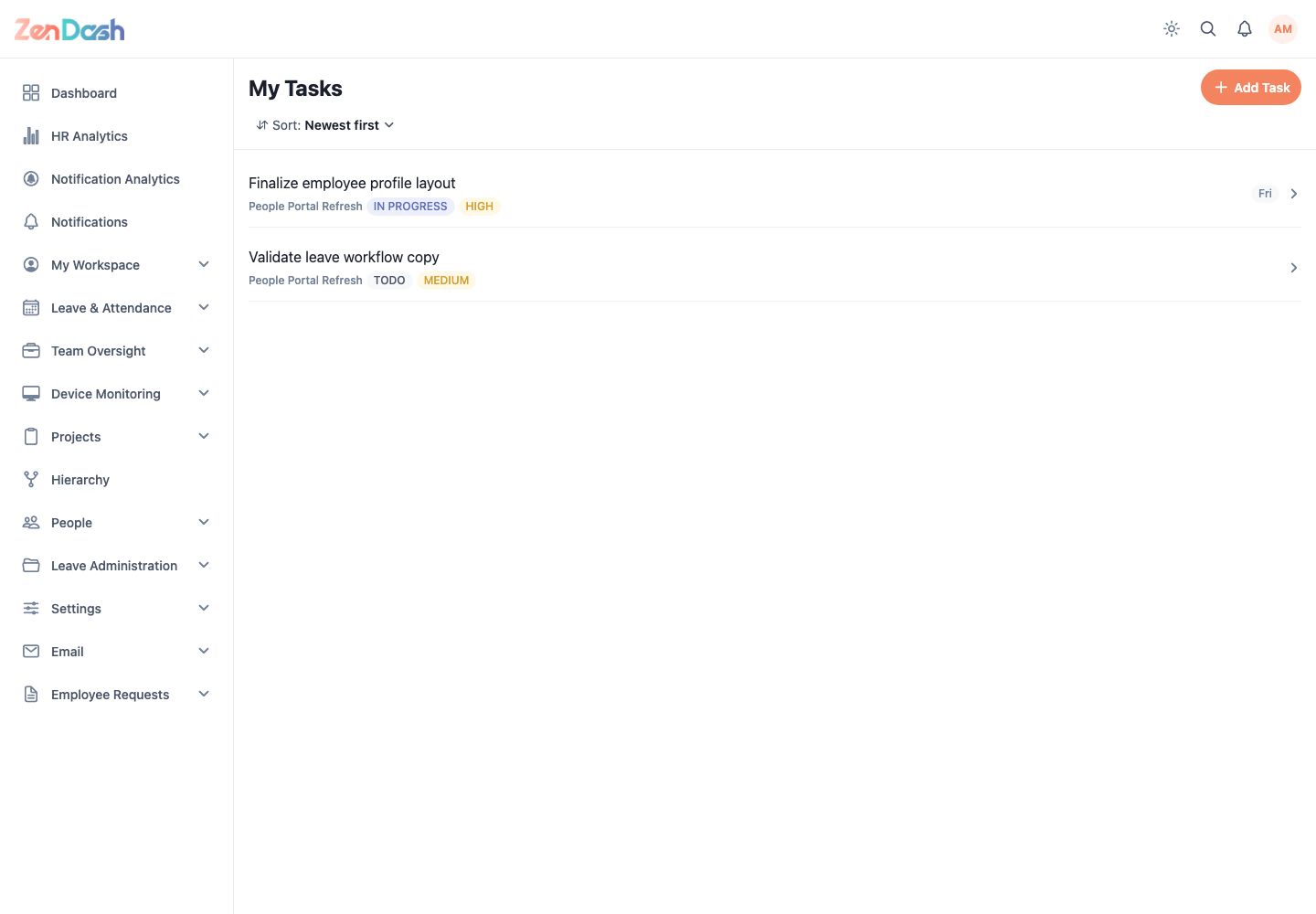
Select a task to review its project, status, priority, due date, description, milestone, section, estimate, labels, reporter, parent task, and subtasks. Depending on your role, you can:
- change status or assignee;
- start and stop its work timer;
- edit task details;
- add or complete subtasks; and
- request a due-date extension.
Only one active timer can run for your account. The app asks before switching from another task and can require attendance check-in.
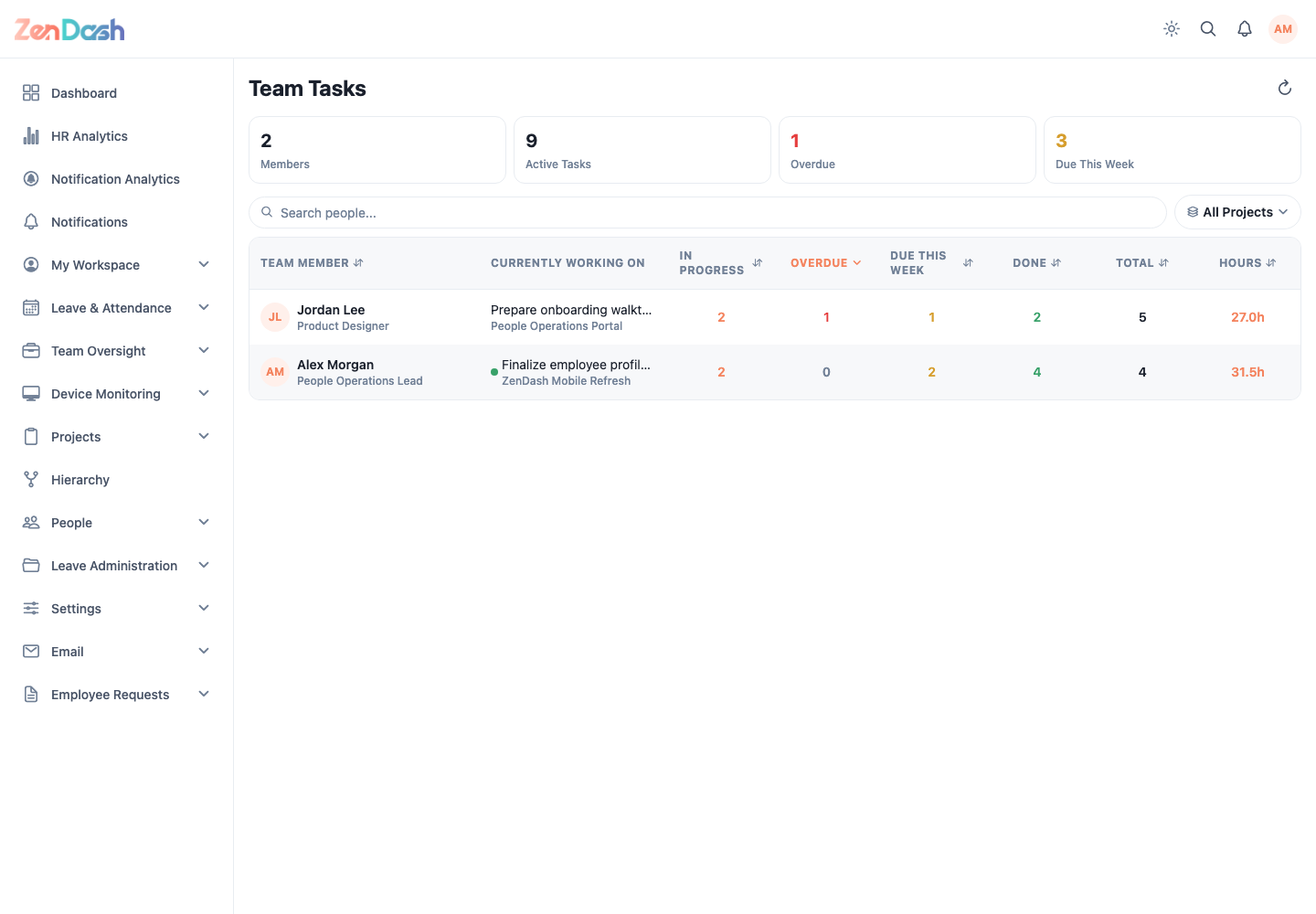
Team Tasks
Open Projects > Team Tasks. Summary values include Members, Active Tasks, Overdue, and Due This Week. Search people and filter by project, then select an employee to inspect their tasks. The employee task screen adds status and priority filters.