Live Activity
Open Projects > Live Activity to see team members with running task timers.
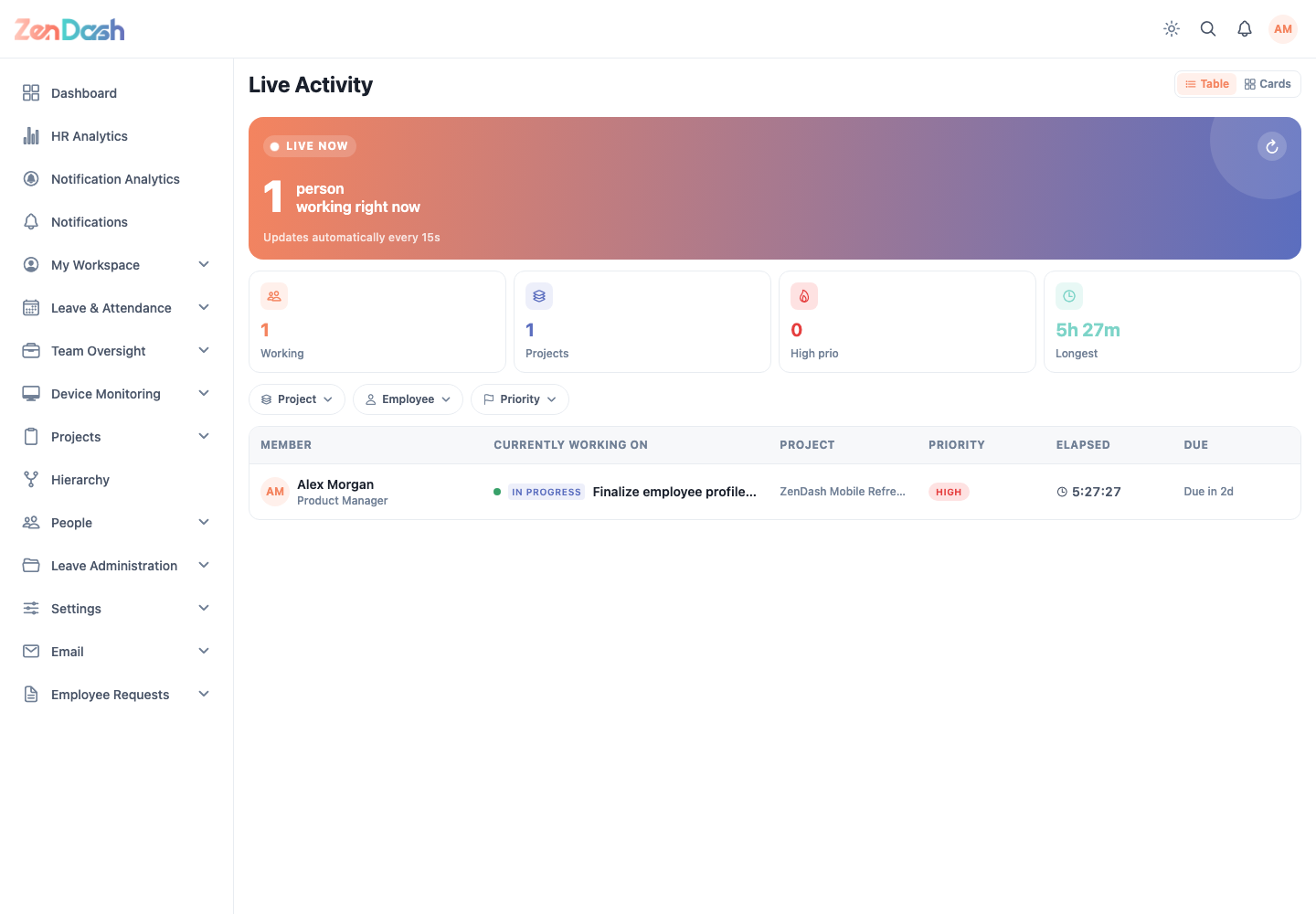
On a wide web screen, switch between Table and Cards. Filter by Project, Employee, or Priority, and use Clear to remove all active filters. Select an entry for its task and timer details.
The summary reflects active work rather than all assigned tasks. When nobody has a running timer, the screen reports that no one is actively working.
Use My Tasks to start or stop your own timer. Use Team Tasks for assigned-work totals that do not depend on a running timer.