Teams and Departments
Teams
Open People > Teams. Use the Dashboard tab to browse and select teams, and Hierarchy to view their reporting structure.
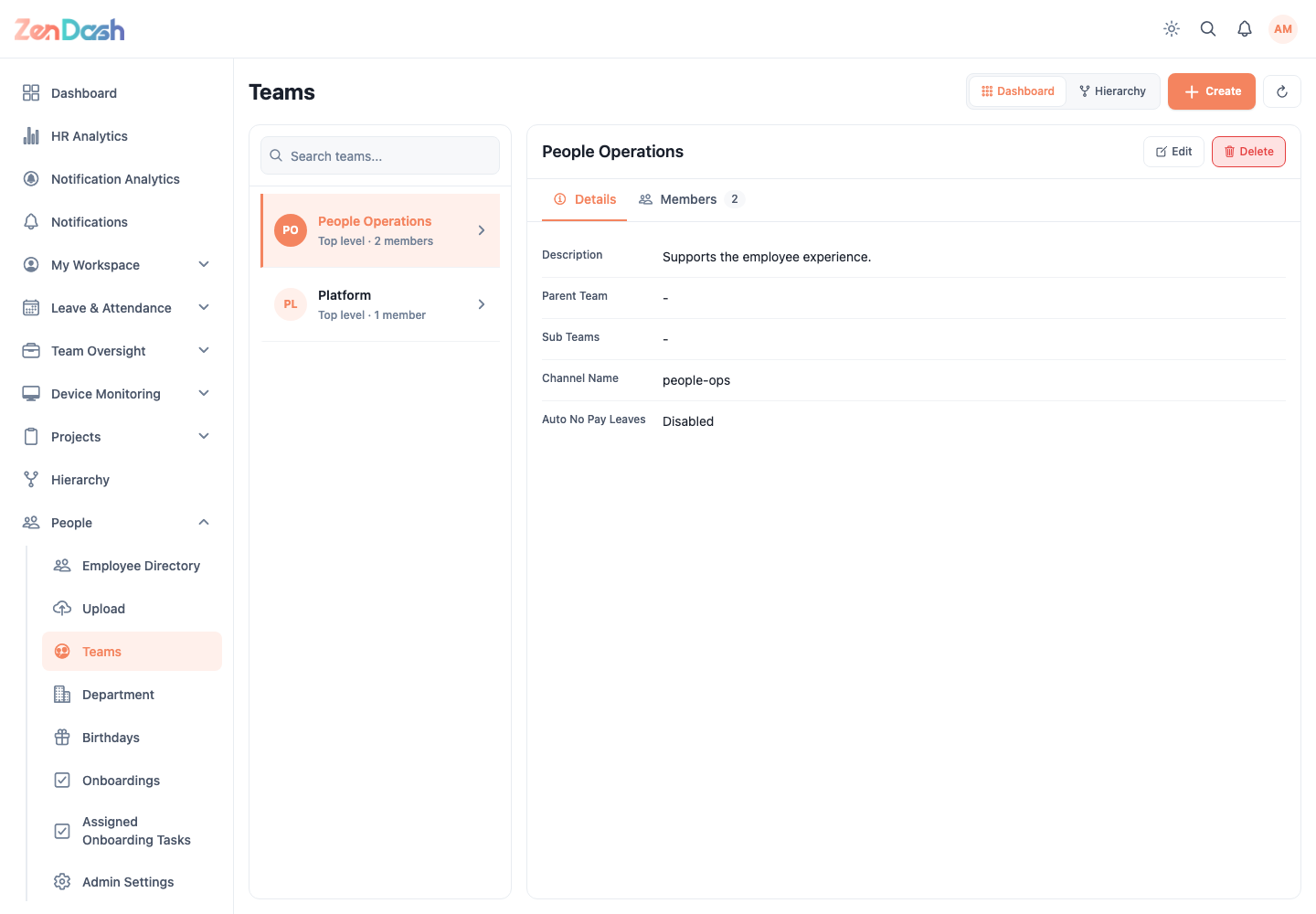
Select Create to add a team. Enter its details, choose the responsible employees or members requested by the form, and save. Select a team to review Details and Members; use the edit action to update it. Delete is only available with the required permission.
Departments
Open People > Department. Search by name or use filters to find a department. Select Add to create one, or open an existing department to edit its details and team associations.
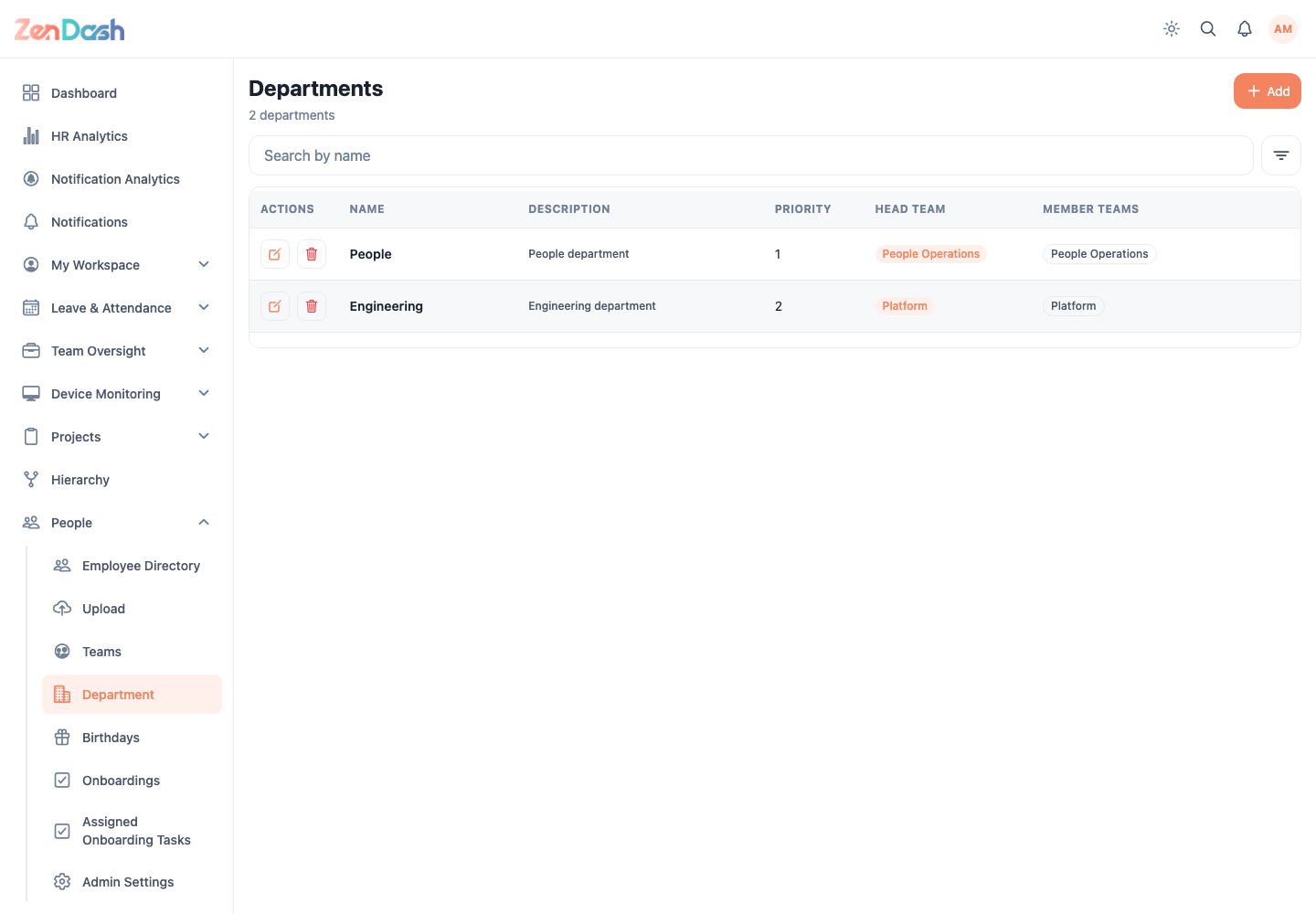
Department and team changes affect filters, directory organization, analytics, and assignment screens. Check existing relationships before deleting a record.