Hierarchy and Birthdays
Hierarchy
Open Hierarchy from the desktop sidebar, or find it in More on a small screen. The hierarchy presents the organization's employee reporting structure. Expand or select nodes to inspect reporting relationships.
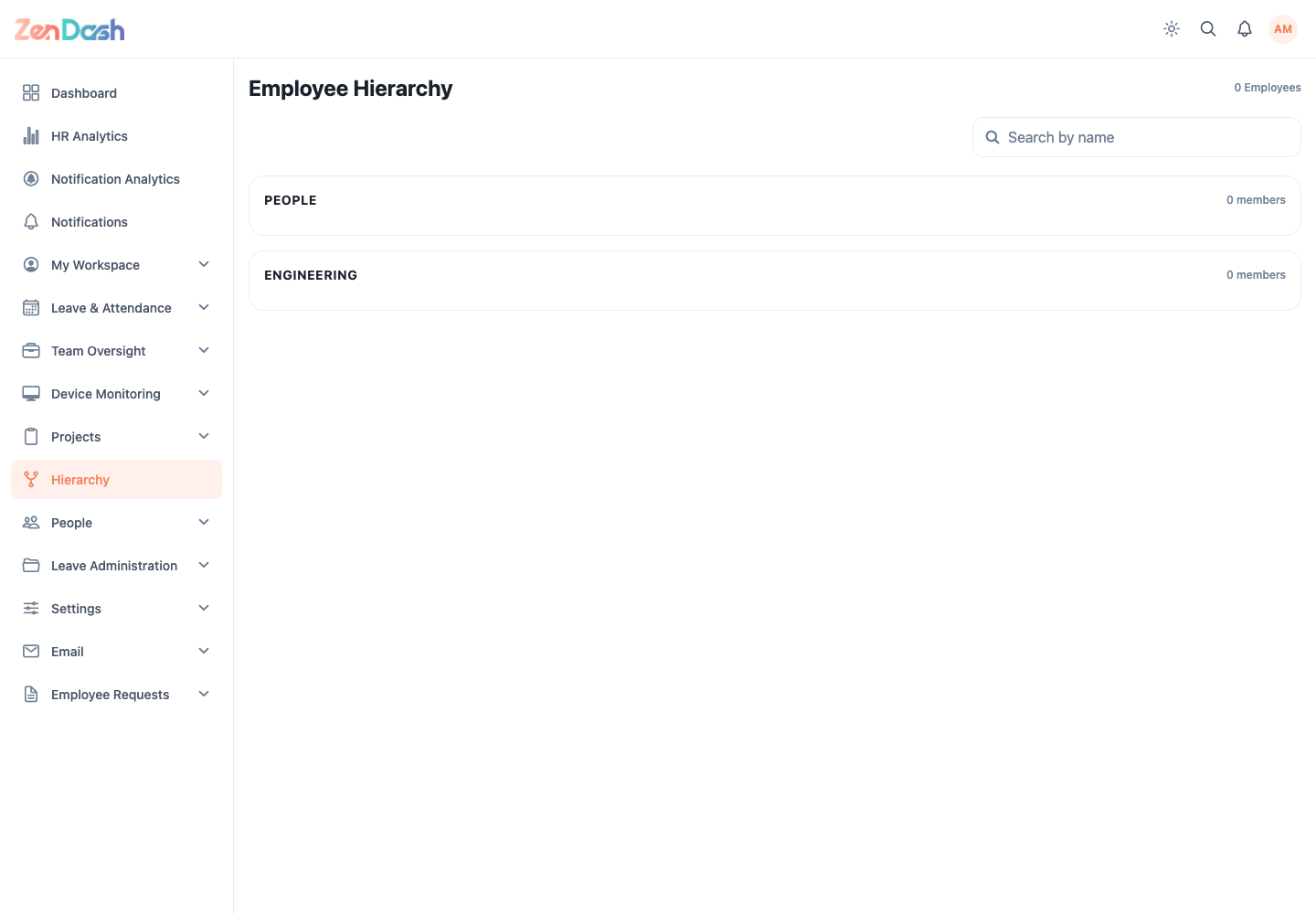
If an employee appears in the wrong place, update the relevant manager, team, or reporting information from the employee administration flow rather than editing the diagram.
Birthdays
Open People > Birthdays. Move between months and switch between the available calendar and list presentations to see employee birthdays visible to your account.
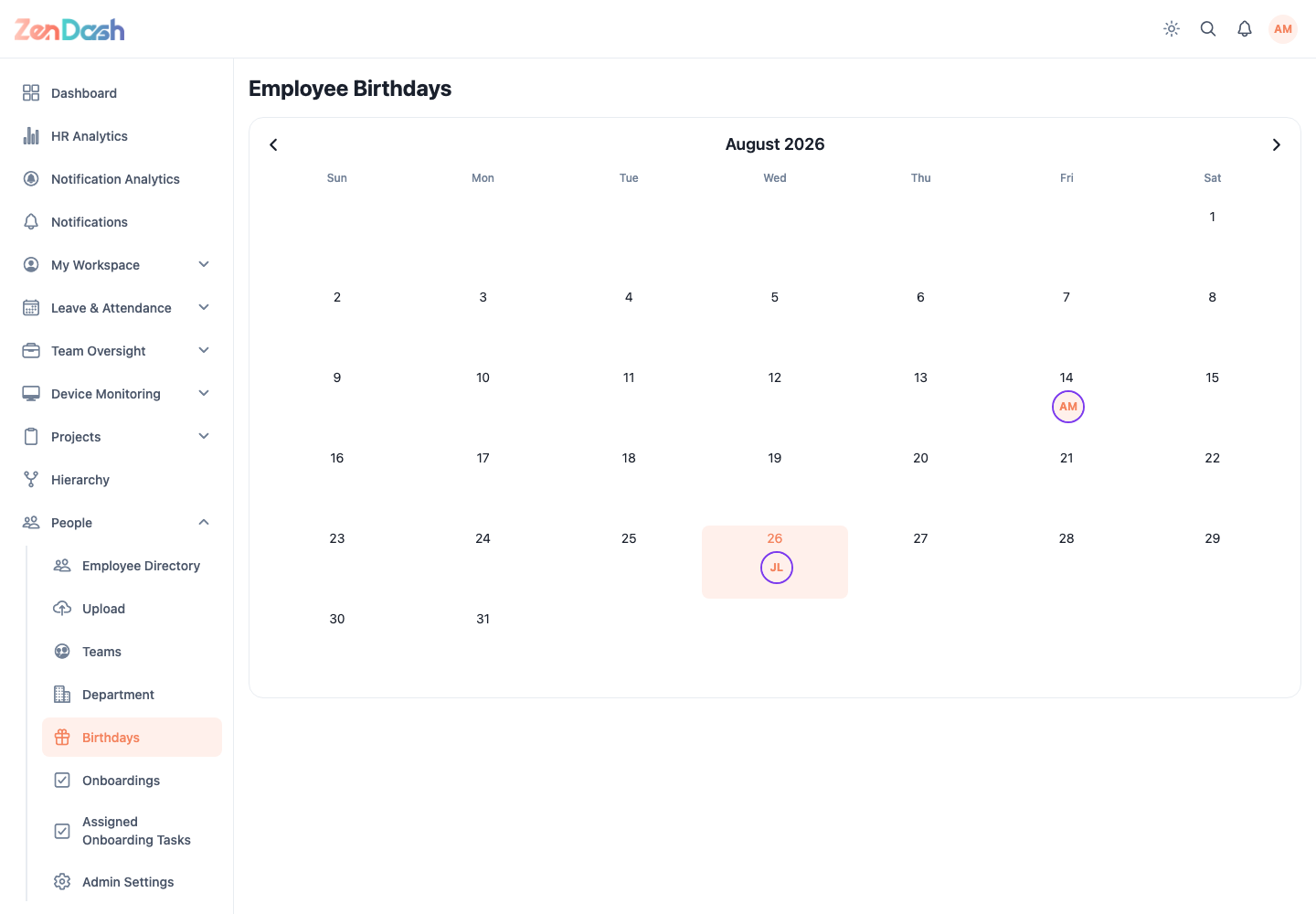
Birthday visibility comes from employee profile data and access rules. Correct an inaccurate date through the approved profile or data-change process.