Bulk Employee Upload
Open People > Upload. The screen is titled Upload Employee Details and has Update Existing and Create New tabs.
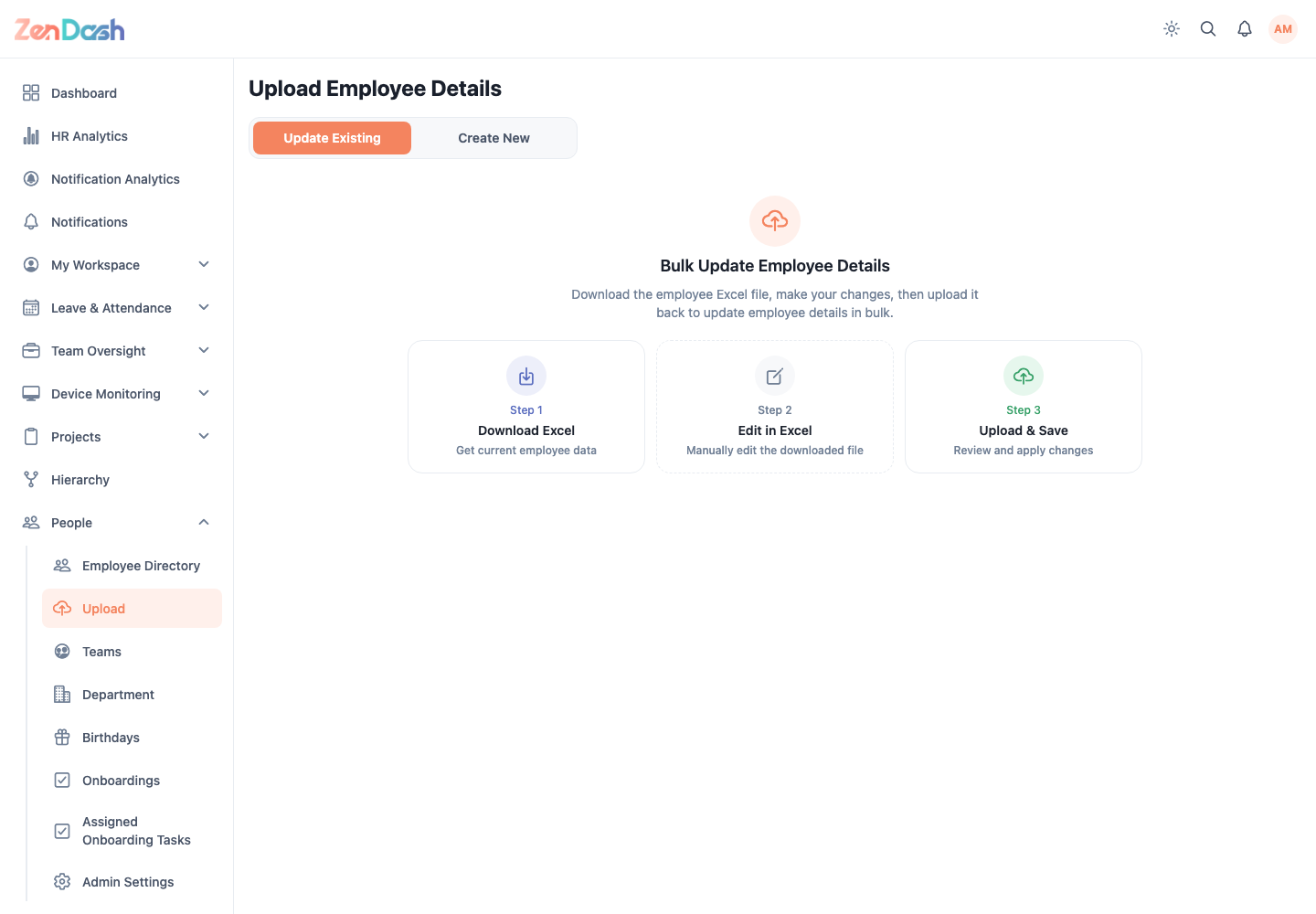
For either workflow:
- In Step 1, download the Excel template.
- In Step 2, edit the workbook without changing its required structure.
- In Step 3, upload the completed file and save.
- Review validation results and correct rejected rows before retrying.
Use Update Existing only when rows identify employees already in ZenDash. Use Create New for new employee records.
warning
Keep the workbook inside your organization's approved storage. It can contain sensitive employee data. Never use real employee records in documentation captures.