Employee Directory
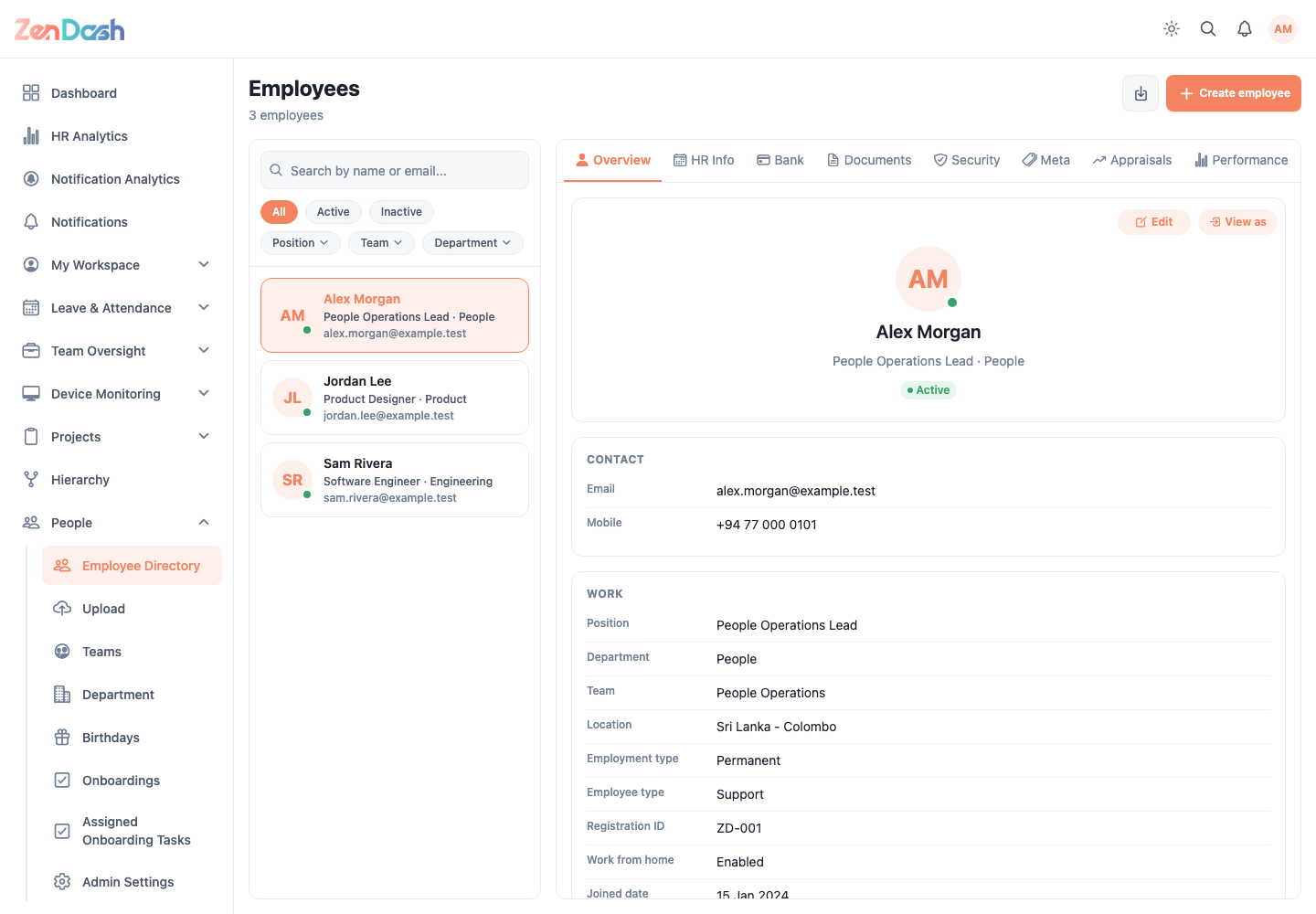
Open People > Employee Directory. A wide web screen shows the employee list and selected employee details side by side; mobile opens the selected employee on a separate screen.
Find employees
Search by name and filter with All, Active, or Inactive. Advanced filters include Position, Team, Department, and Permission Group. Clear the filters to return to the full directory.
Use the download control to export employees to Excel when your permission group allows it.
Create an employee
Select Create employee, complete the required identity and employment information, and submit the form. The app reports the new account details after creation; select Done to return to the directory.
Treat generated account information as confidential. Share it through your organization's approved channel and do not place it in screenshots or support tickets.