Employee Profiles
Open People > Employee Directory and select an employee. On wide web screens, the profile opens beside the directory. On mobile and narrow web screens, it opens as a full screen with a back control.
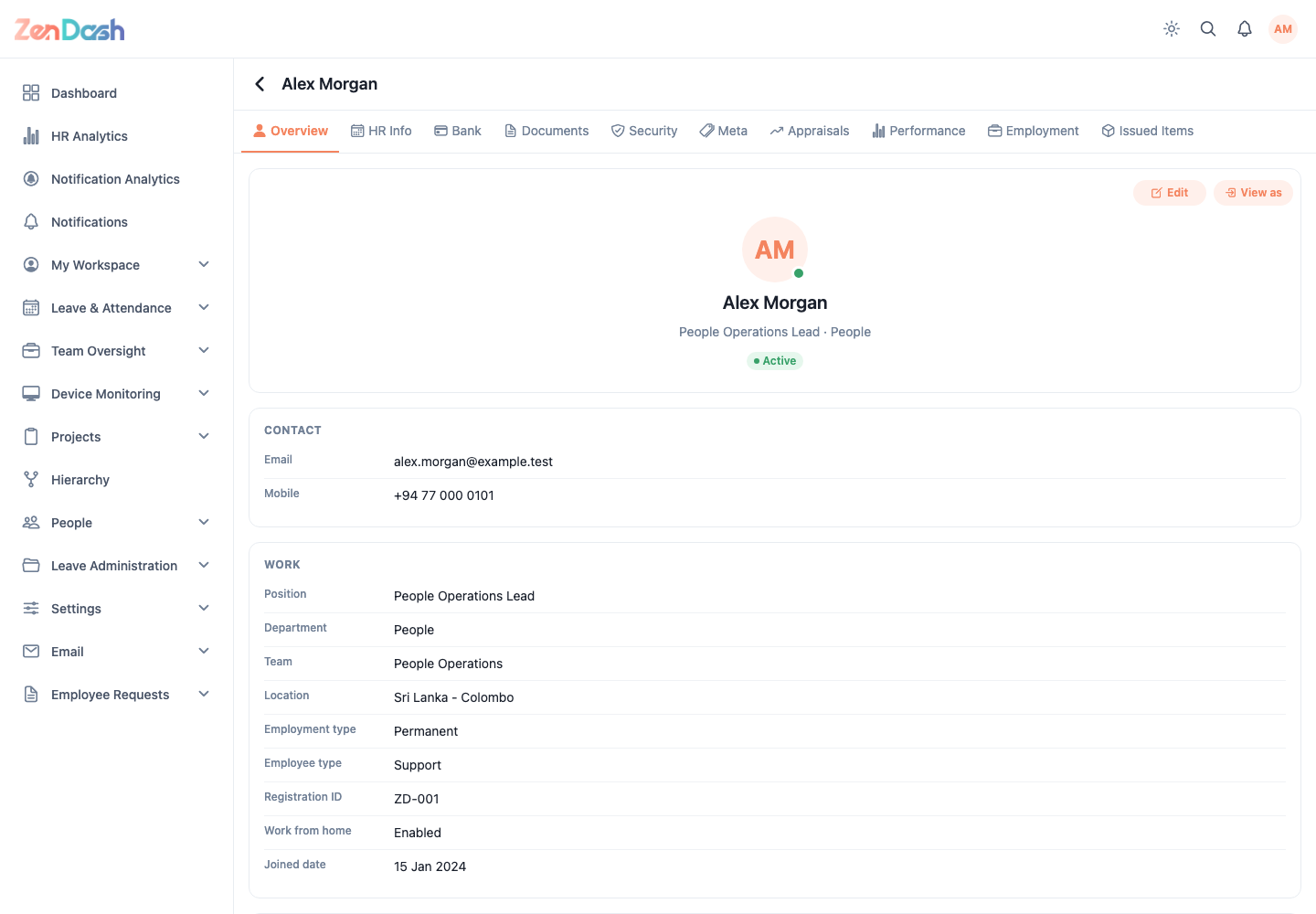
The profile tabs shown depend on your permissions and available data:
- Overview for contact, organization, employment, personal, address, and emergency details;
- HR Info for joined date and other HR records;
- Bank for payment account details;
- Documents for employee documents;
- Security for account and permission information;
- Meta for configured metadata;
- Appraisals and Performance for employee-specific records;
- Employment for employment history; and
- Issued Items for equipment or other company property.
Use the actions within a tab to update records when allowed. The employee-specific Appraisals and Performance tabs are available profile views; the separate top-level Appraisals route remains inactive in the current app.