Onboarding Tasks and Template
Assigned tasks
Open People > Assigned Onboarding Tasks. The screen groups tasks by onboarding and shows progress statistics.
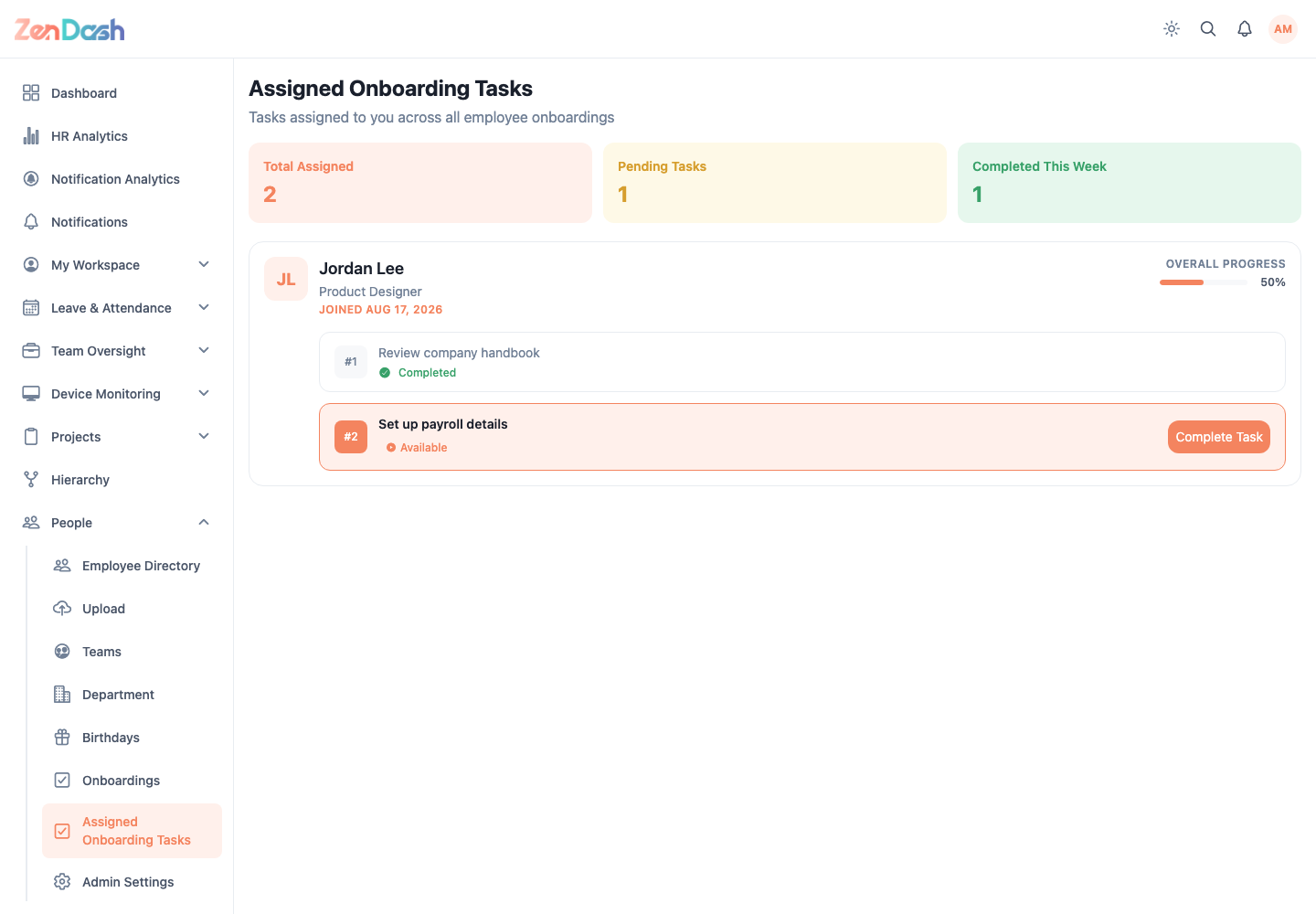
Open a task to review its description and status. Complete the required work, then update its status. Some tasks include a specific action, such as Issue items, which opens the related employee-item workflow.
Default template
Open Employee Administration > Admin Settings > Onboarding Template. This template supplies the starting task sequence when an administrator creates an onboarding.
Add tasks, define their default role and action, and reorder the sequence before saving. Administrators can still tailor the copied tasks while an individual onboarding remains a draft.
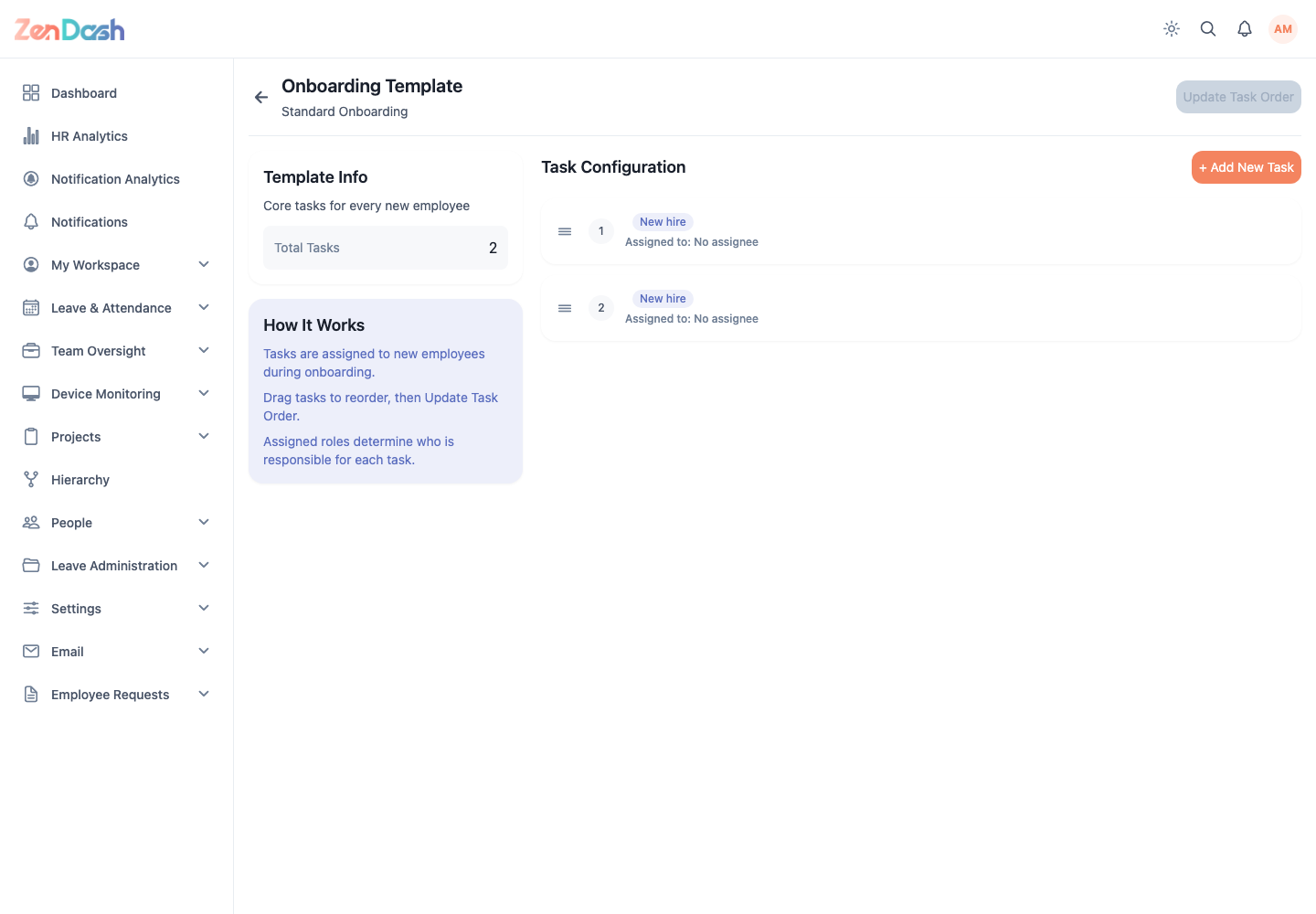
Changes to the template apply to future setups. They do not rewrite onboardings that were already created.