Manage Onboardings
Open People > Onboardings. The screen title is Onboardings and shows status totals, filters, and the onboarding list.
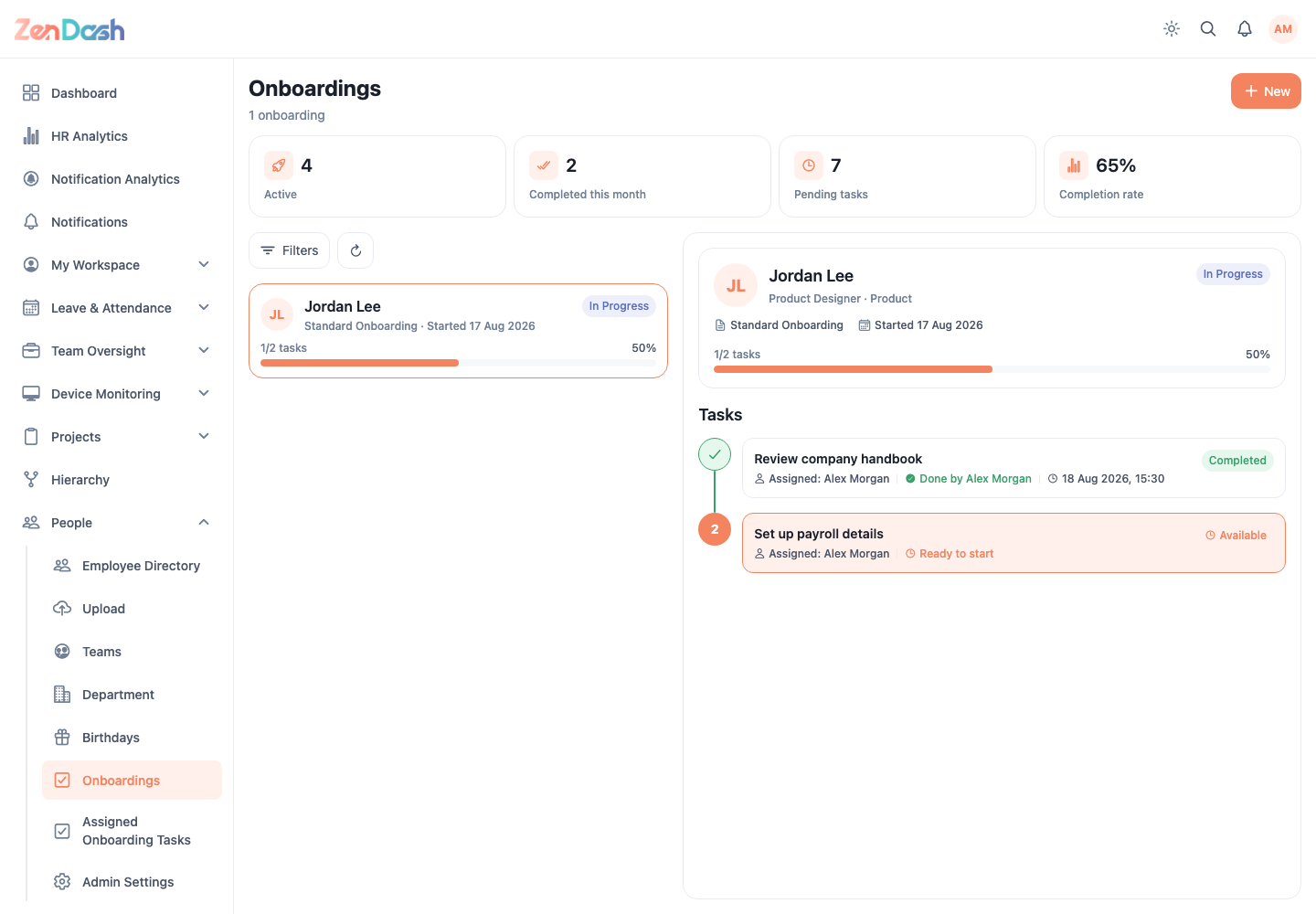
Start an onboarding
- Select New.
- Choose the employee in Select employee.
- On Setup onboarding, review tasks loaded from the default template.
- Use + Add Task to add work, or edit, delete, and reorder existing tasks.
- Configure each task name, description, assigned role or employee, and action type.
- Select Save as Draft.
A draft can be opened and changed with Edit details. Use Save order after reordering tasks in the editor.
Publish and track
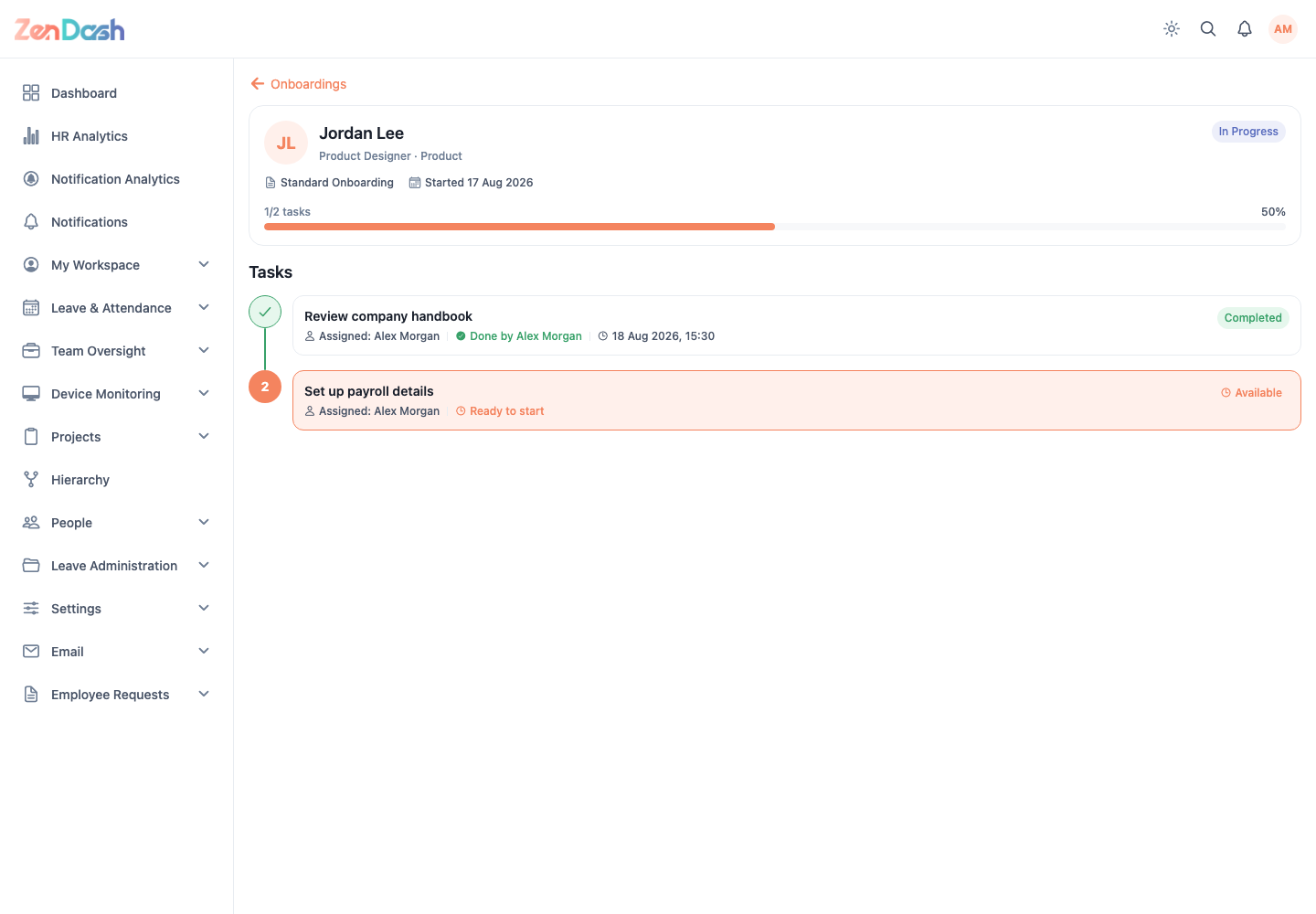
Open the draft, verify every assignee and task, then select Publish. Published tasks become available to their assignees. The detail view shows task order, status, and overall progress.
warning
Publishing distributes the task sequence. Finish assignment and ordering changes while the onboarding is still a draft.