Notification Analytics
Open Notification Analytics from the desktop sidebar or More when your permission group includes analytics access.
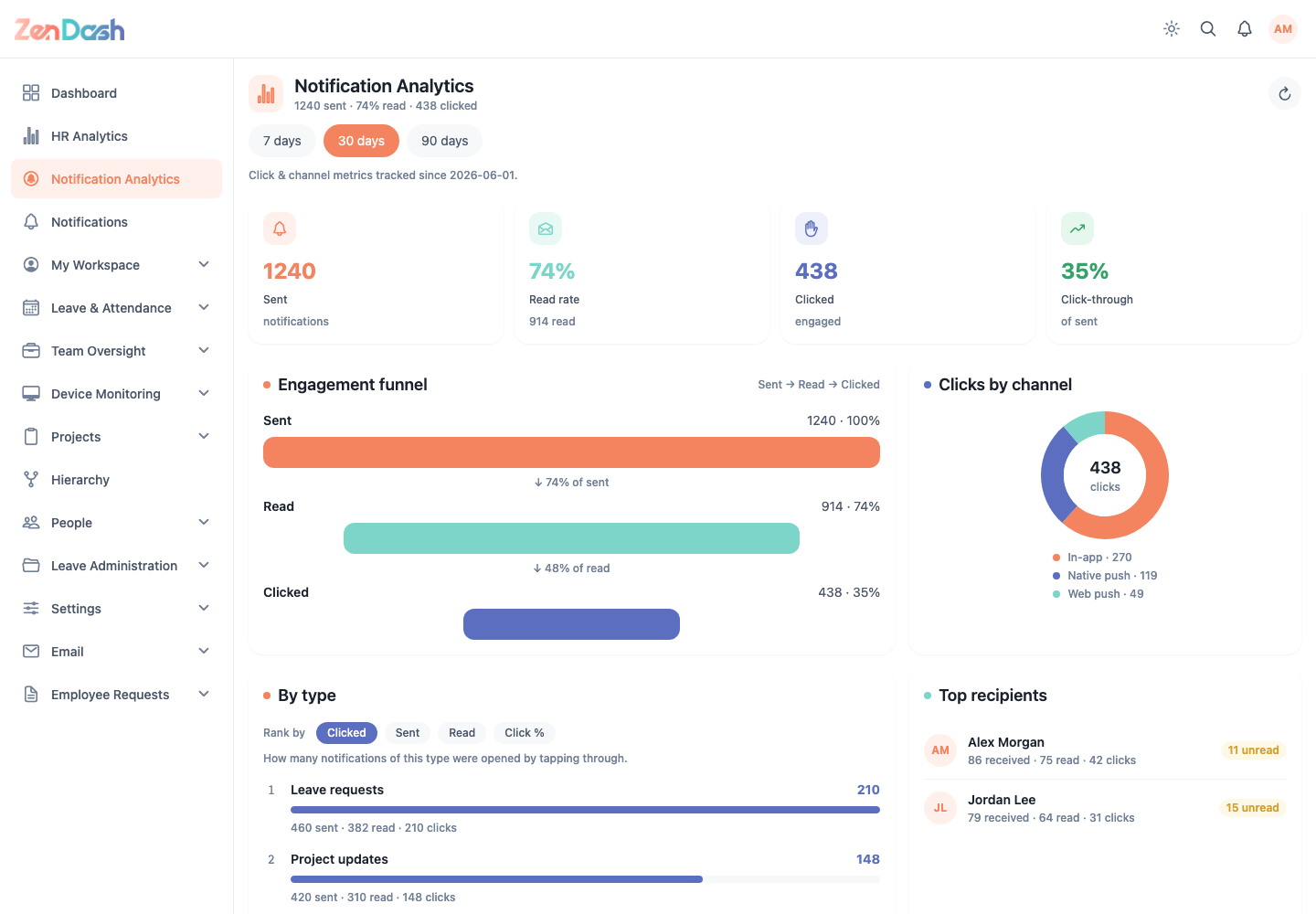
Select 7 days, 30 days, or 90 days. The screen reports delivery and engagement through:
- overview metrics;
- Engagement funnel for Sent, Read, and Clicked;
- Clicks by channel;
- results By type;
- Top recipients; and
- Activity over time.
The tracking note identifies when click and channel metrics began. A zero result can mean no notifications were sent in the selected period; try a longer range before treating it as a delivery issue.