HR Analytics
Open HR Analytics from the desktop sidebar or More on a small screen.
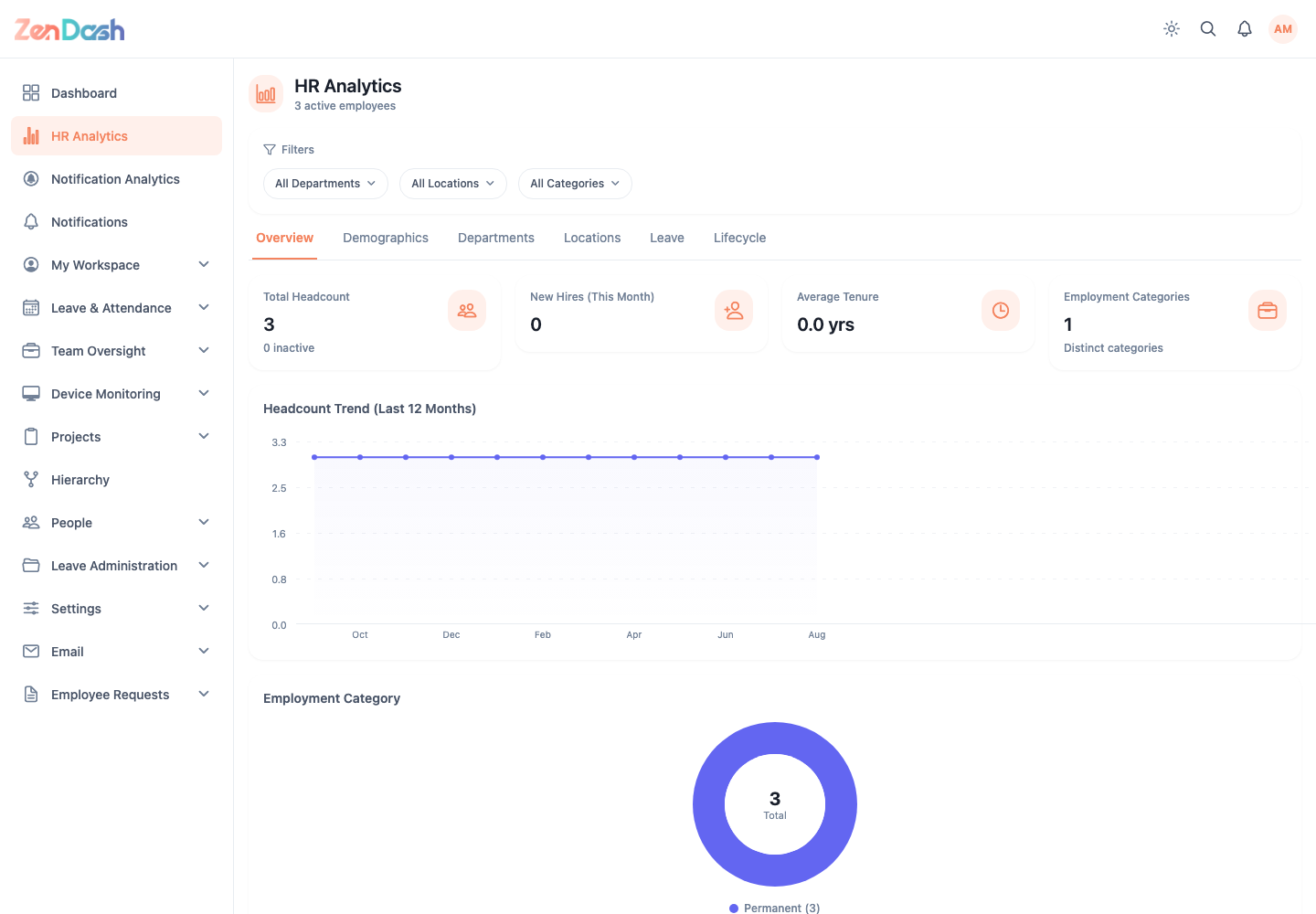
Use the global Department, Location, and Category filters to scope every view. The tabs are:
- Overview for headcount, hiring, tenure, and employment category trends;
- Demographics for gender, age, and marital-status distributions;
- Departments for department sizes and reporting groups;
- Locations for offices, districts, provinces, and remote/on-site distribution;
- Leave for approved leave, types, trends, department use, and quota utilization; and
- Lifecycle for tenure, probation, upcoming appraisals, confirmation timing, and hiring trends.
Analytics are aggregates of the employee and leave records visible to your account. Correct source data in People or Leave Administration rather than editing a chart.
note
Small groups can make an aggregate personally identifiable. Export or share analytics only under your organization's HR data policy.