Notifications
Open Notifications from the sidebar or More, or select the bell in the header for the notification drawer.
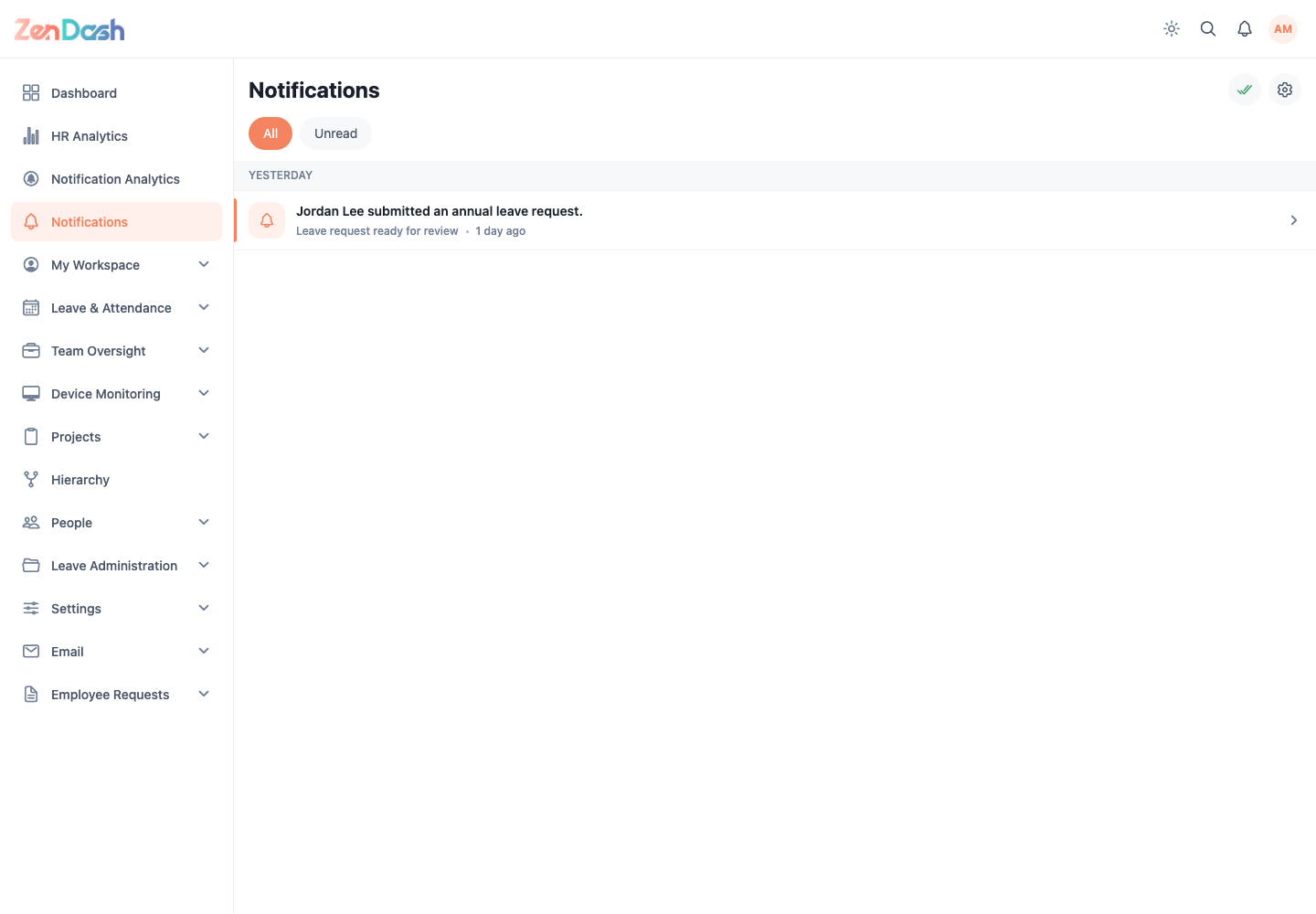
Use All to review the complete list and Unread to focus new items. Selecting a notification marks it as read and follows its destination when one is available.
Use the double-check action to Mark all as read. It is disabled when every item is already read. The drawer provides the same action plus View all to open the full screen.
New records can arrive while the app is open. Pull to refresh on mobile or reload if a recent event has not appeared.