Navigation and Search
ZenDash HRM changes its navigation to fit the available screen width.
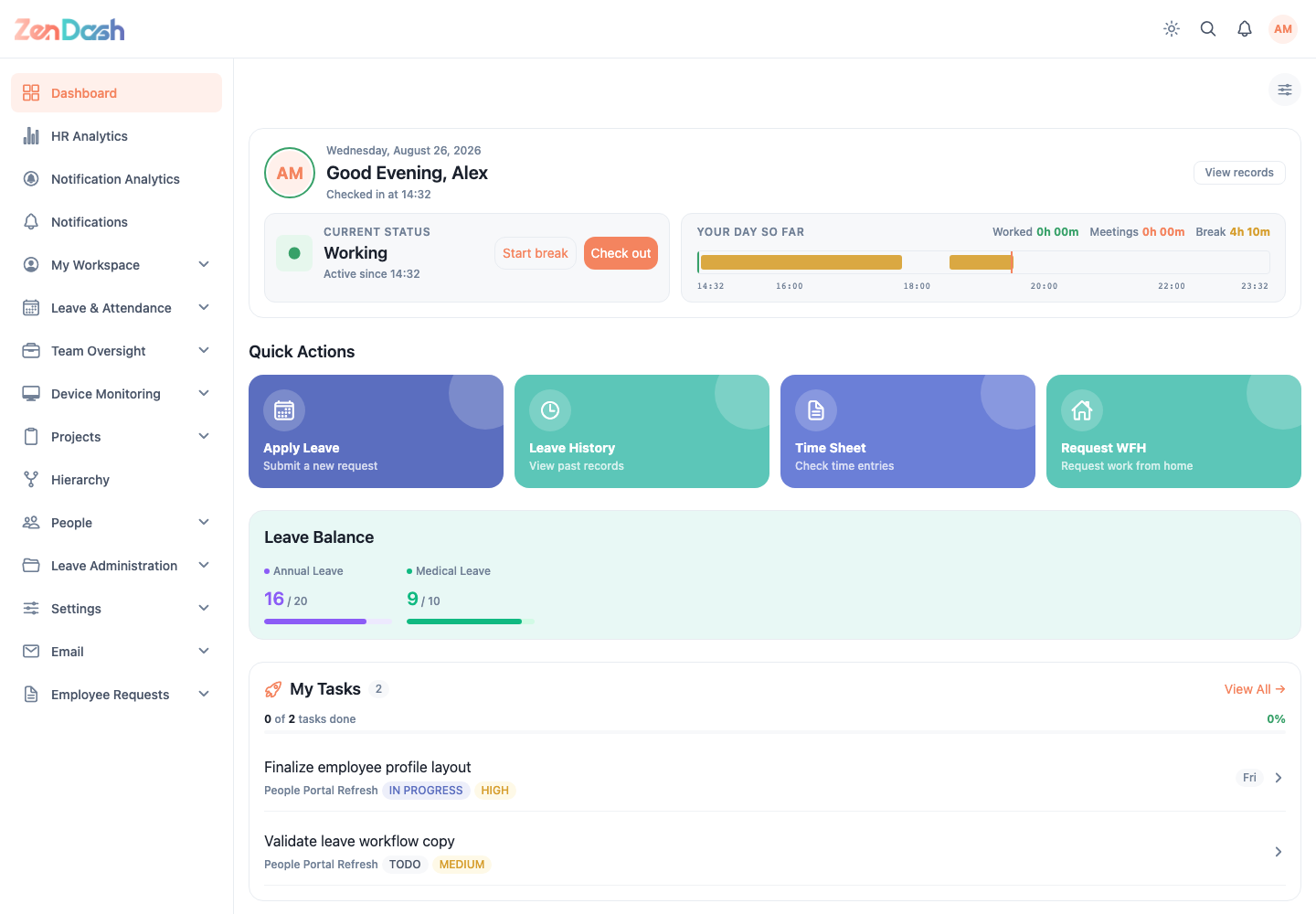
Desktop and wide web screens
The sidebar groups screens under headings such as My Workspace, Leave & Attendance, People, and Projects. Select a group item to open it. Dashboard, HR Analytics, Notifications, Hierarchy, and Company Info appear as direct items when your permissions allow them.
The header provides:
- the company logo;
- a theme switch;
- search;
- a notification bell; and
- the profile menu.
Use search to find an available destination by name. Search results are limited by the same permissions as the sidebar.
Mobile and narrow web screens
The bottom navigation always starts with Dashboard and ends with More. The middle positions are shortcuts selected for your account. Open More to browse every available group and account action.
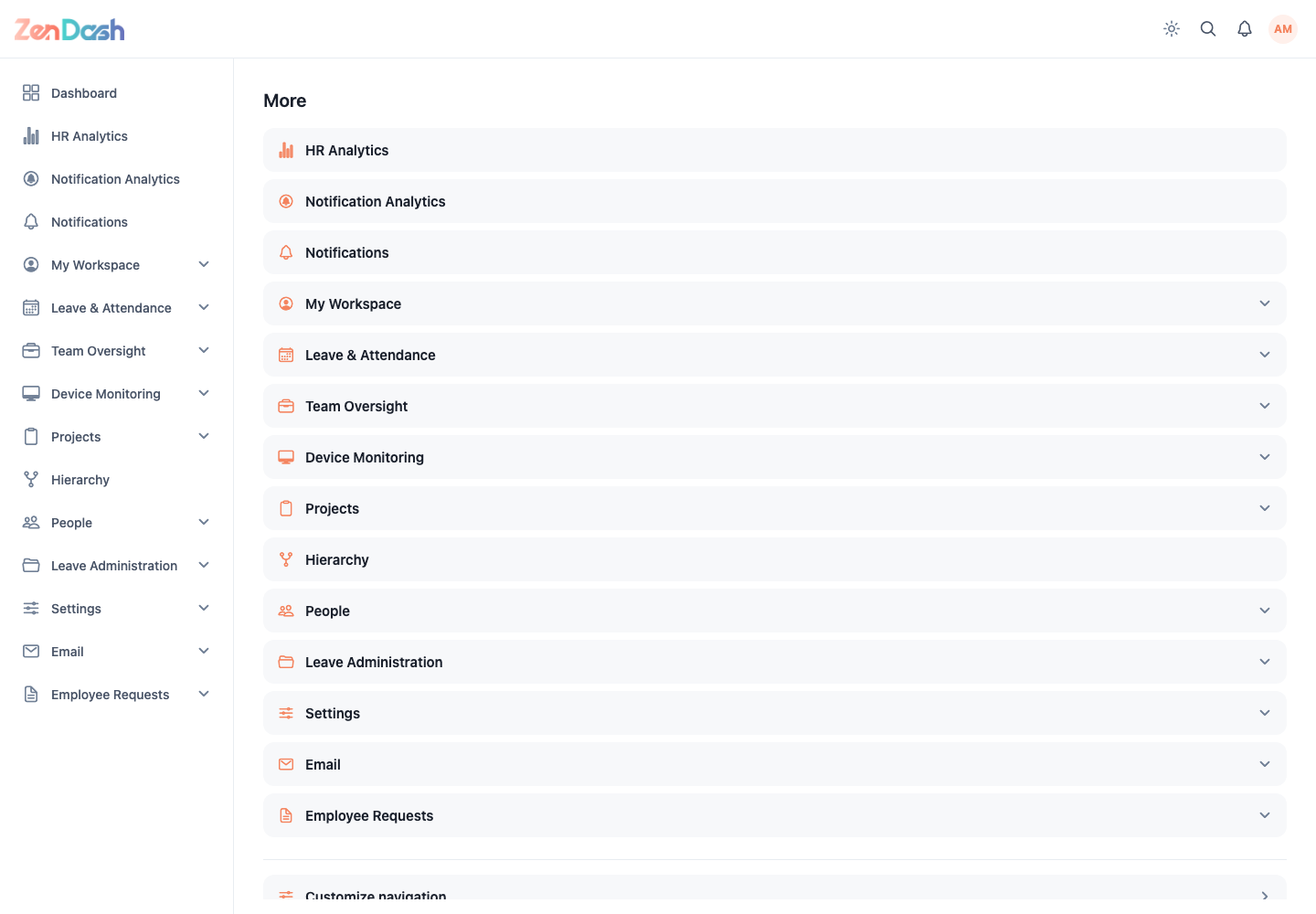
Customize the bottom bar
- Open More and select Customize navigation, or open it from the profile menu.
- Select up to three shortcuts for the middle positions.
- Drag selected items to change their order.
- Select Save.
Use Remove all to clear the middle shortcuts, or Reset to restore the default selection. Dashboard and More remain fixed.
Work From Home destinations only appear when that module is enabled for your organization. Other destinations are filtered by your assigned permissions.