Manage WFH Requests
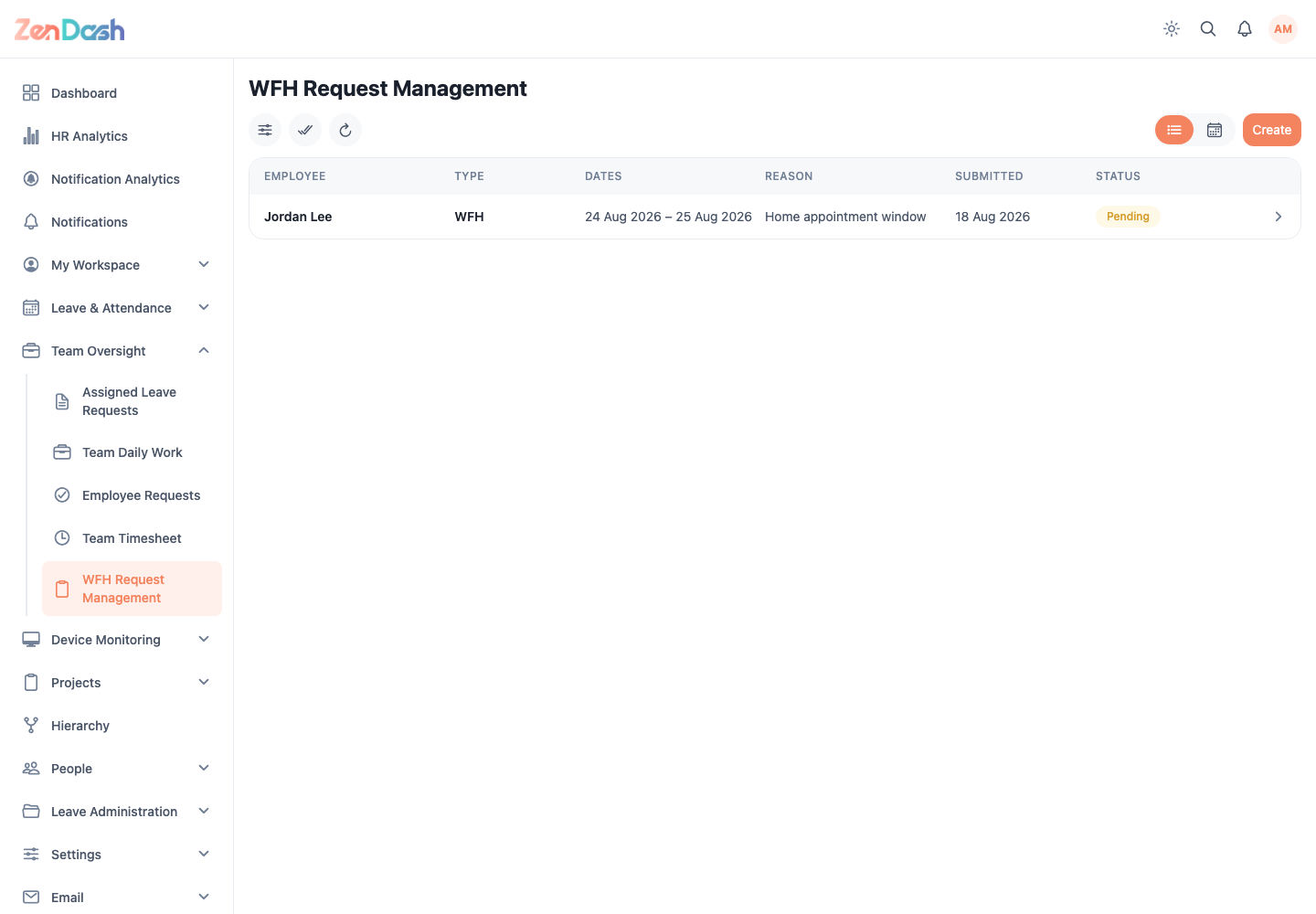
Open Team Oversight > WFH Request Management. Use the list to review employee requests or switch to the calendar to compare scheduled WFH days.
Process requests
Filter by Type, Status, and Employee. Open a request to verify the employee, dates, day types, and reason, then select Approve or Reject. Add a rejection reason when the employee needs context.
Selection mode allows authorized managers to approve or reject multiple pending requests in the list. Bulk actions do not apply in calendar view.
Users with create-for-others permission can select Create, choose an Employee, set the Date Range and day types, add an optional reason, and select Create Request.
Team calendar
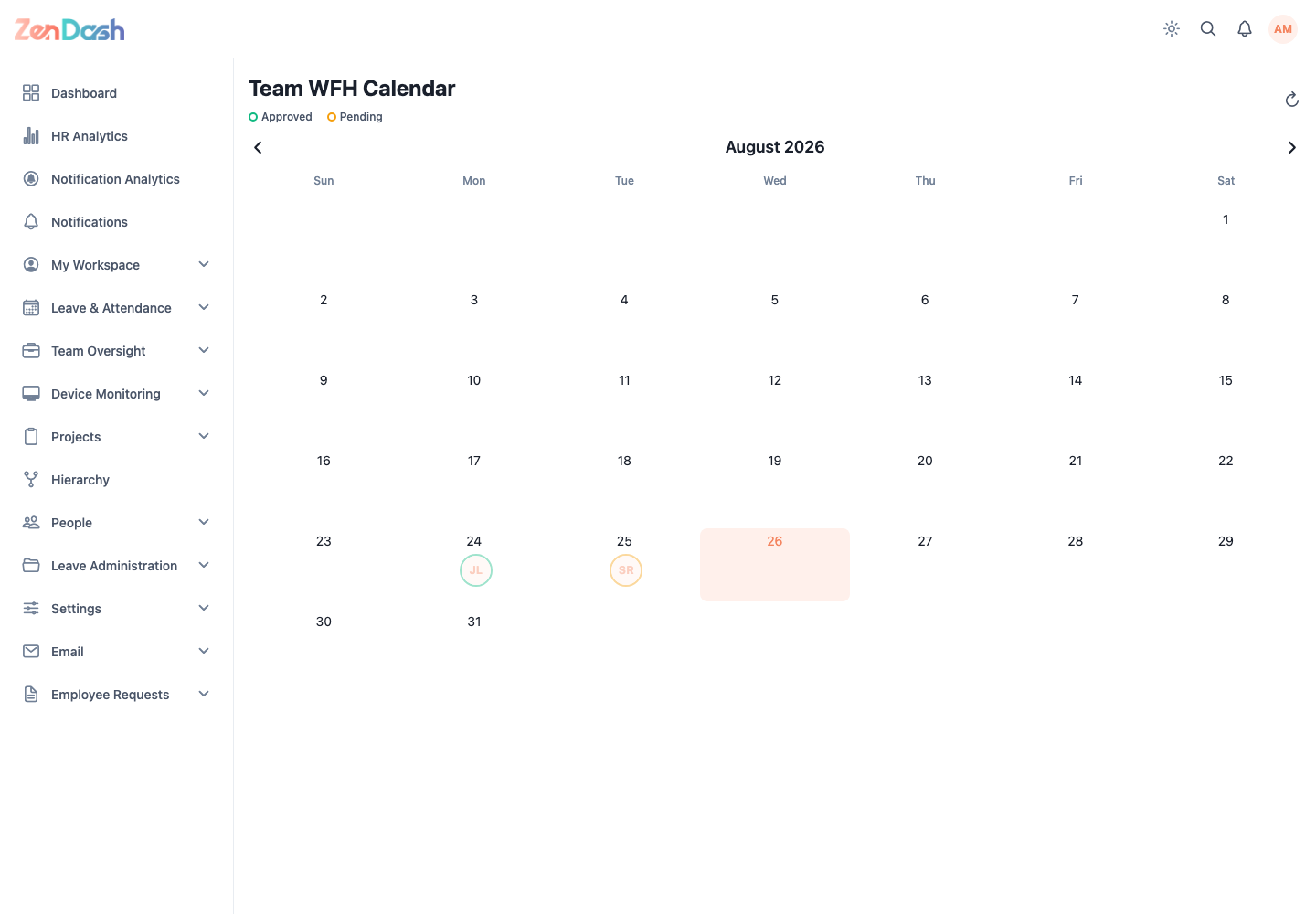
Open Team Oversight > WFH Request Management and choose calendar view, or open My Workspace > My WFH Requests > Team WFH. The Team WFH Calendar distinguishes Approved and Pending days.