My Financial Requests
Open My Workspace > My Financial Requests. This employee request area has two tabs: Payslip Requests and Salary Advance.
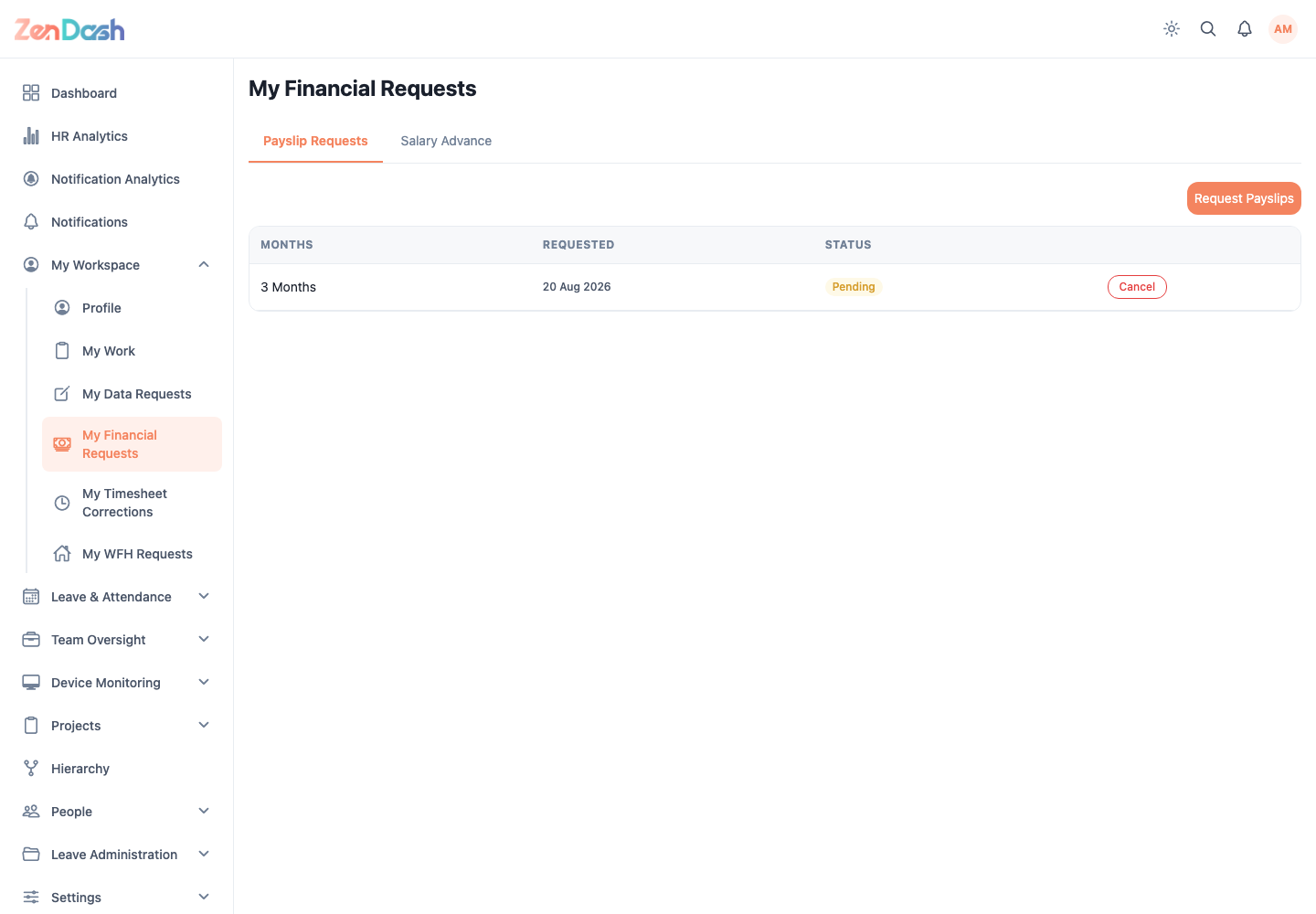
Request payslips
- Open Payslip Requests.
- Select Request Payslips.
- Enter Number of Months.
- Select Submit.
The list shows each request and its current status. You can cancel a request while the Cancel Request action is available.
Request a salary advance
- Open Salary Advance.
- Select Request Advance.
- Enter the Amount and optional Notes.
- Select Submit.
Review status and response details from the request list. A pending request can be canceled when policy and permissions allow it.
note
This screen submits employee financial requests. Payroll reports, salary administration, and payroll settings are not active features in the current cross-platform app.