My Leave History
Open Leave & Attendance > My Leave History to review requests submitted for your account.
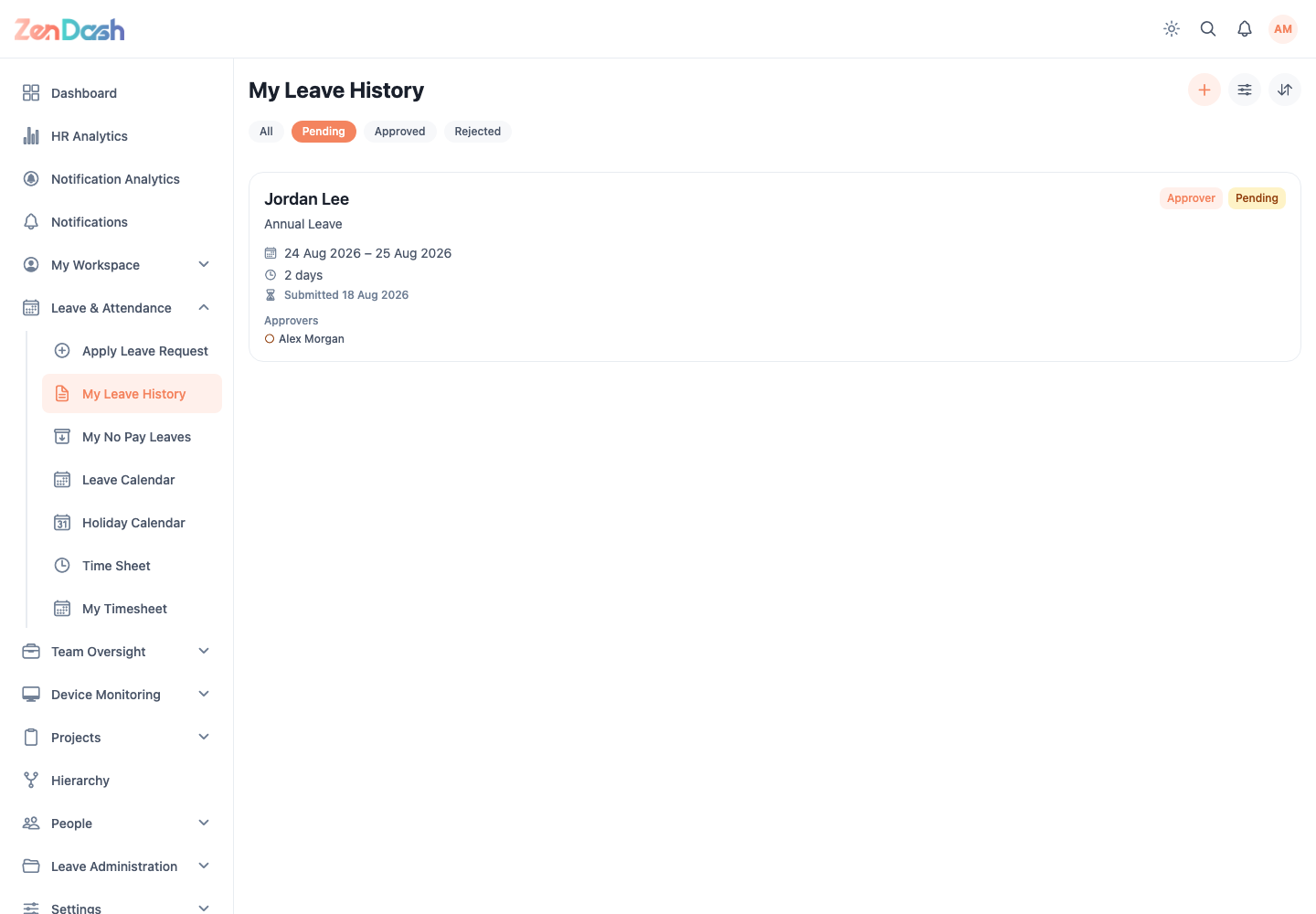
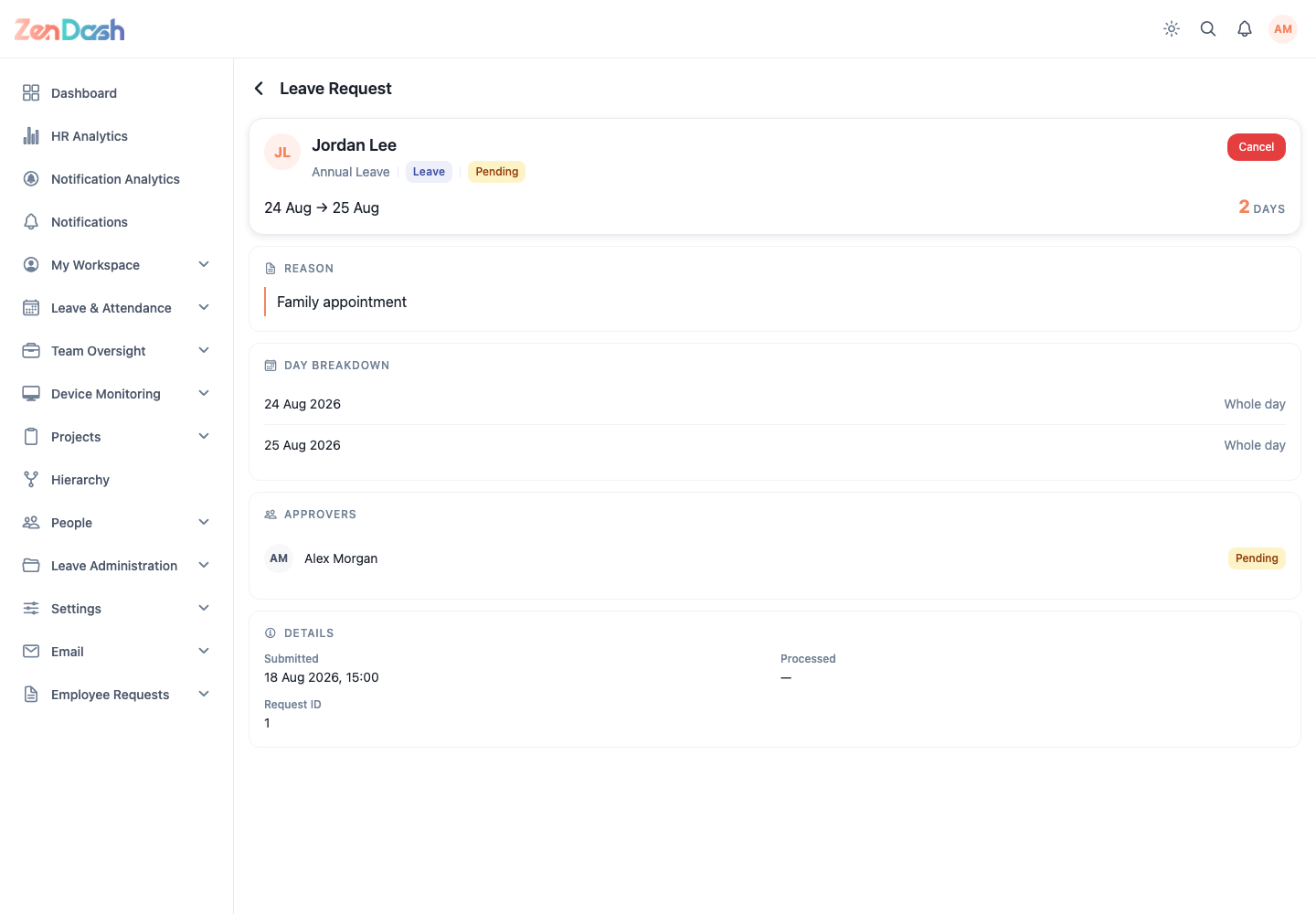
Switch between list and calendar views, search or filter the records, and select a request to open its detail. The detail includes the leave type, requested dates and day breakdown, comment, attachments, status, and approver timeline.
Request actions
The available action depends on the request state:
- Cancel removes an eligible pending request.
- Withdraw starts a withdrawal flow for an eligible approved request.
- A rejected request displays the rejection reason.
- A withdrawal request is linked from the original leave detail.
Confirm an action only after checking the affected dates. The history refreshes after the server accepts the change.