Leave Quota Summary
Open Leave Administration > Leave Quota Summary. The summary presents each employee's balances by leave type and lists assigned leave approvers.
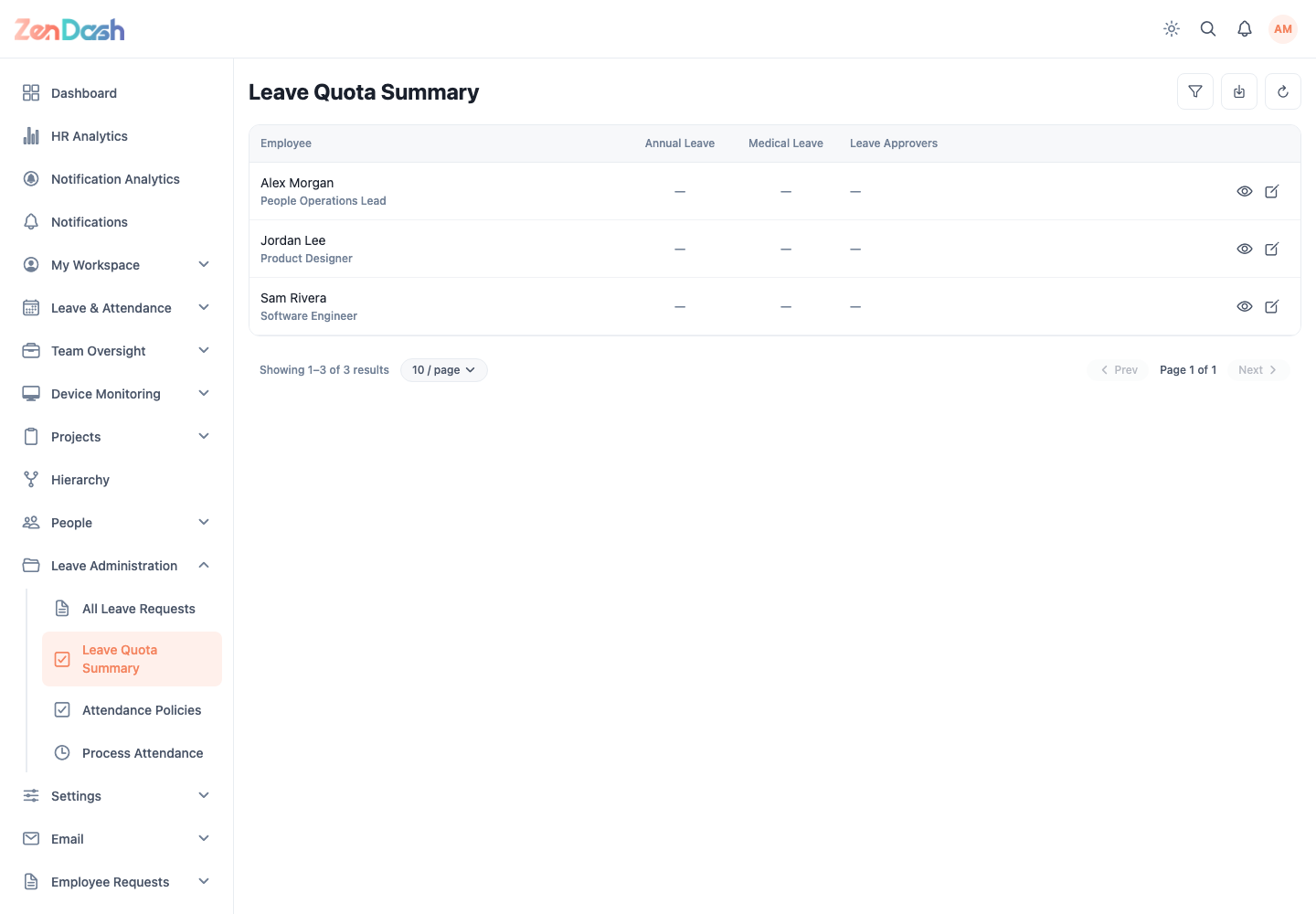
Use Filter employees to narrow the table. Authorized users can Export summary, refresh data, and edit an employee's quota from the row action.
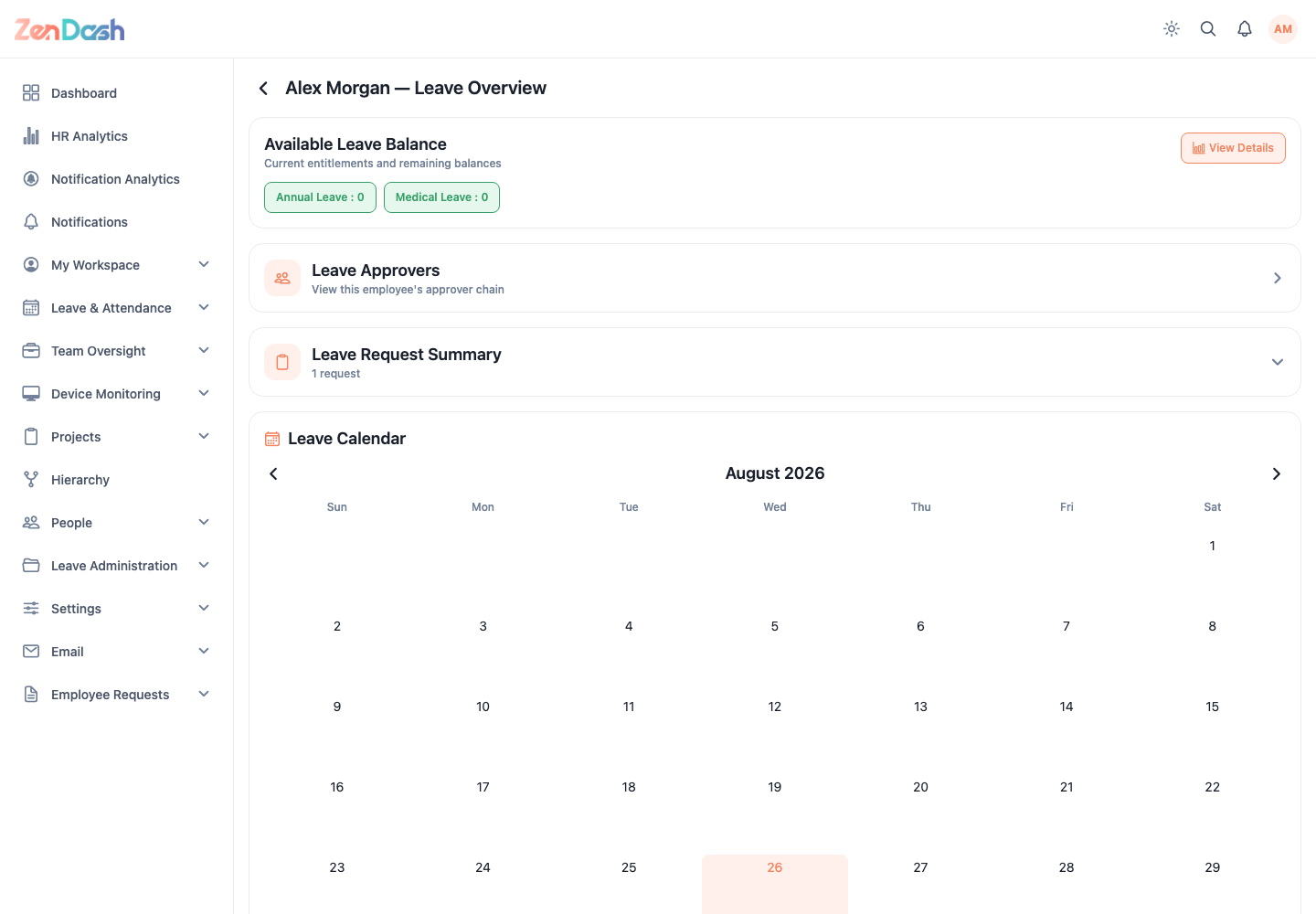
Select an employee to open the leave overview. It combines:
- available leave balances with Total, Used, and Available values;
- recent leave requests;
- the employee leave calendar; and
- Assigned Leave Approvers in priority order.
Quota edits affect what an employee can request. Verify the employee, leave type, total, consumed amount, and available result before saving.