Timesheet Correction Requests
Open Employee Requests > Timesheet Corrections. This administrative screen is titled Timesheet Corrections.
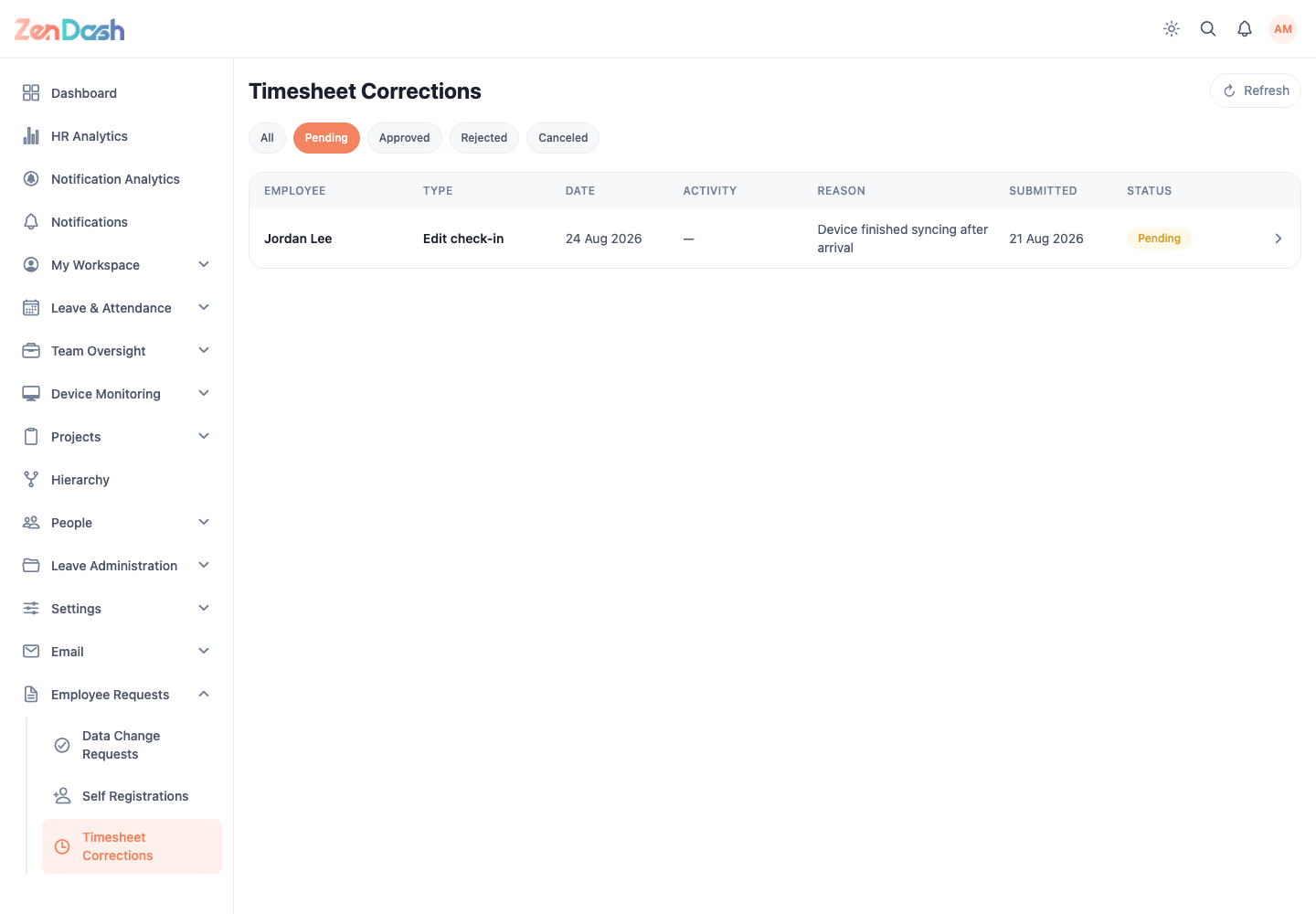
Filter by status and select a row to open Correction request. The detail shows Employee, Type, Day, Activity, the old and proposed times, and the employee's reason.
For a pending request, select Approve to apply the proposed correction or Reject. The rejection flow accepts an optional message in Reason for rejection.
warning
The decision cannot be undone from the approval sheet. Compare every old and new time before processing the request.