Permission Groups
Open People > Admin Settings > Permission Groups. Search the list and filter it with All, Custom, or System.
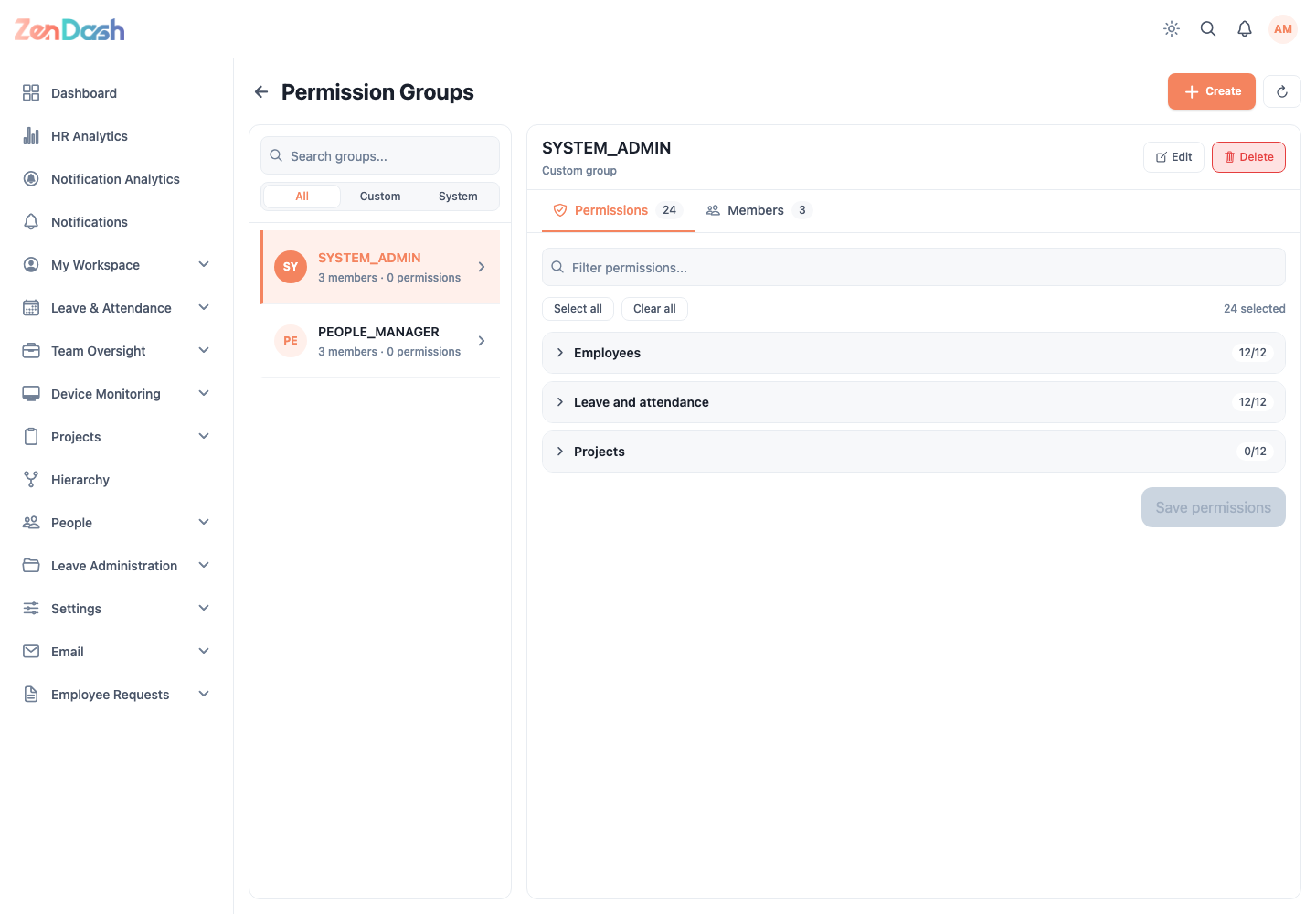
Select a group to open its Permissions and Members tabs.
Permissions
Use Filter permissions to find a capability. Select the permissions that the group should grant, then choose Save permissions. System-defined groups are read-only.
Members
Select Add members to assign employees. Use the remove action to take an employee out of the group after confirming.
Select Create to add a custom group. Enter its Name, save it, and then configure permissions and members. Custom groups can be renamed or deleted by authorized users; system groups cannot.
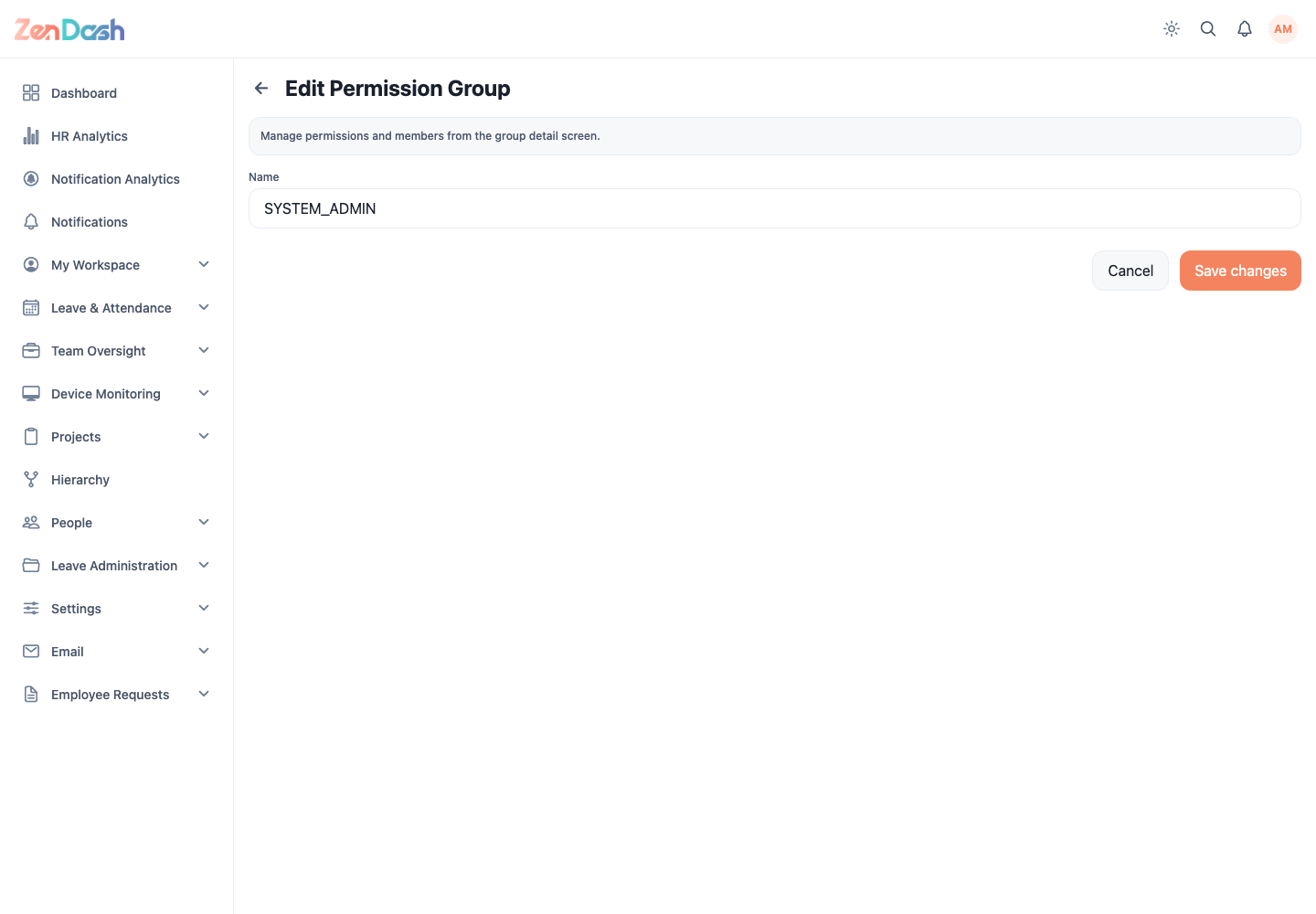
Permission changes affect both navigation visibility and server-authorized actions. Follow least-privilege access and test the resulting group with a non-administrator account.