Template Types
Open Email > Template Types. Search by name and filter with All, Enabled, or Disabled.
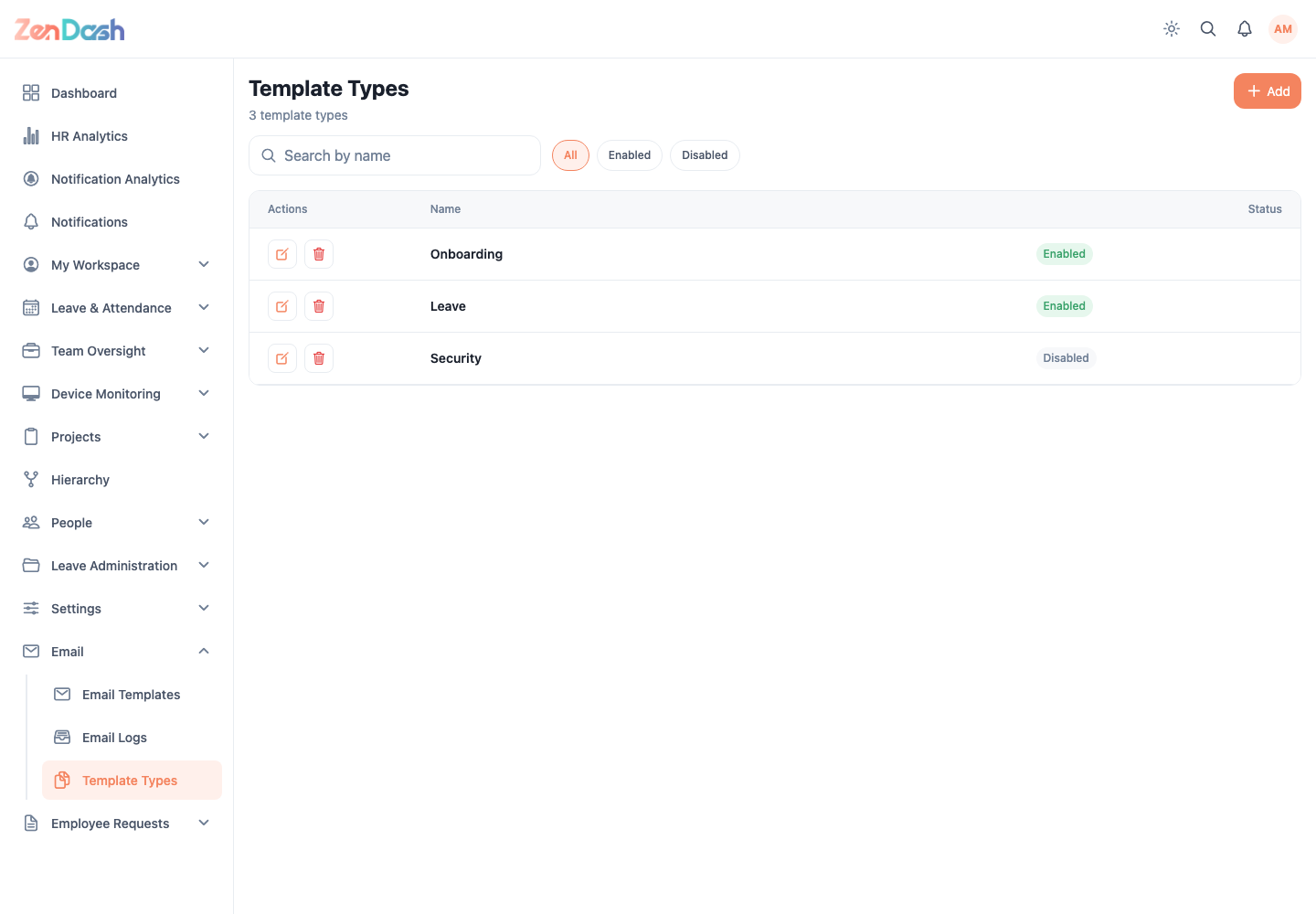
Select Add to open New Template Type. Enter Name, set the Status to Enabled or Disabled, and select Create. Select an existing row to edit it and choose Save.
A template type organizes the options available on the Email Template form. Check whether templates use a type before deleting it; deletion is permanent and requires confirmation.