My Device Setup
Open Device Monitoring > My Device Setup. The screen is titled Setup Device Monitor.
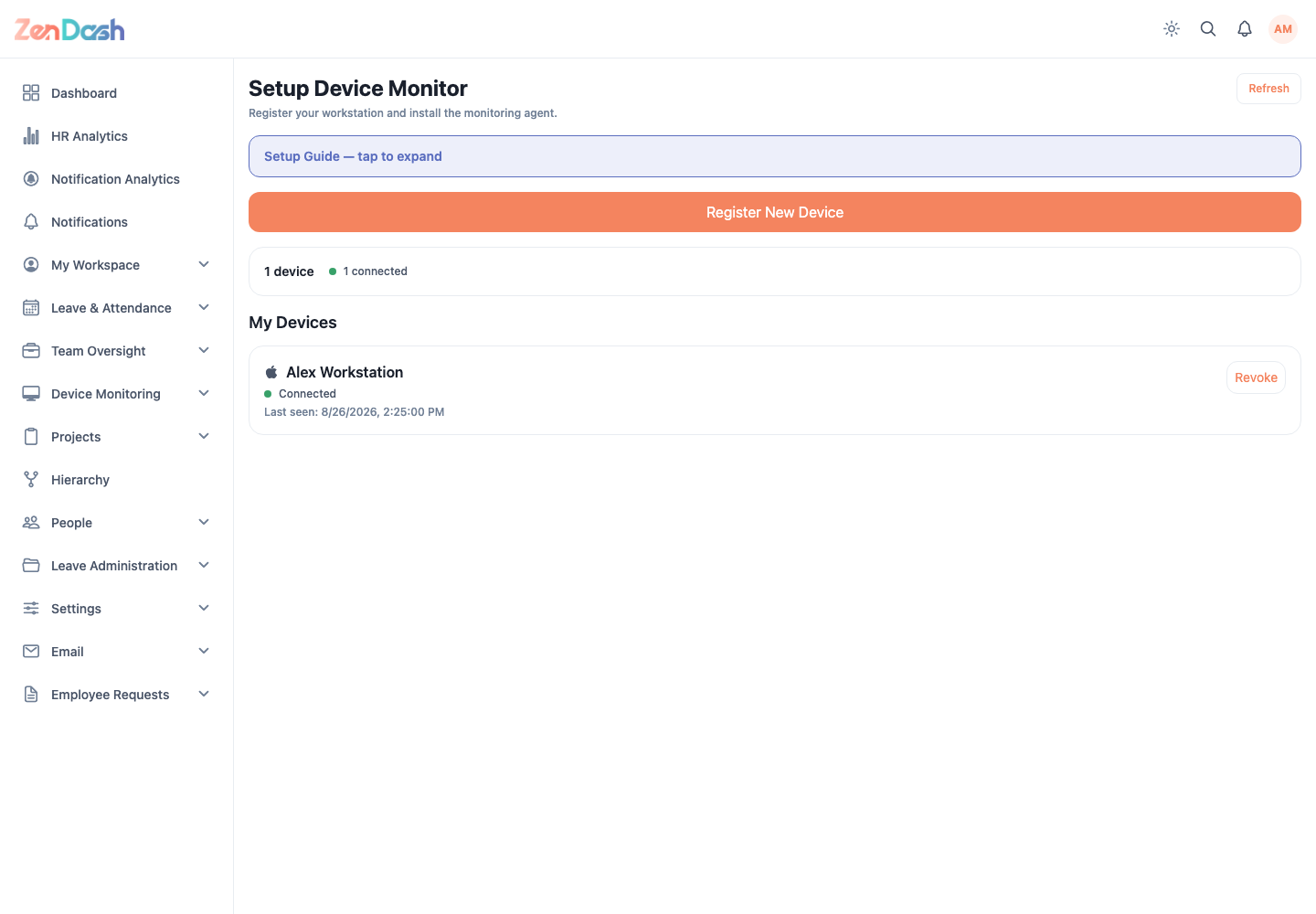
Register a workstation
- Read Register Your Device and select Register New Device.
- Enter Device Name.
- Register the device.
- Download the offered monitoring agent for the workstation platform.
- Copy the setup code when shown and complete the agent setup.
- Select Done.
My Devices shows connection state and version information. An update notice is displayed when a newer agent is available; the installed agent handles the update download.
Use Revoke to disconnect a device that should no longer report. Revocation requires confirmation and cannot be repaired by simply restarting the agent.
warning
Registration credentials and setup codes are secrets. Do not place them in screenshots, chat messages, source control, or documentation.