Device Management
Open Device Monitoring > Device Management to register, rotate, and revoke monitored devices across employees.
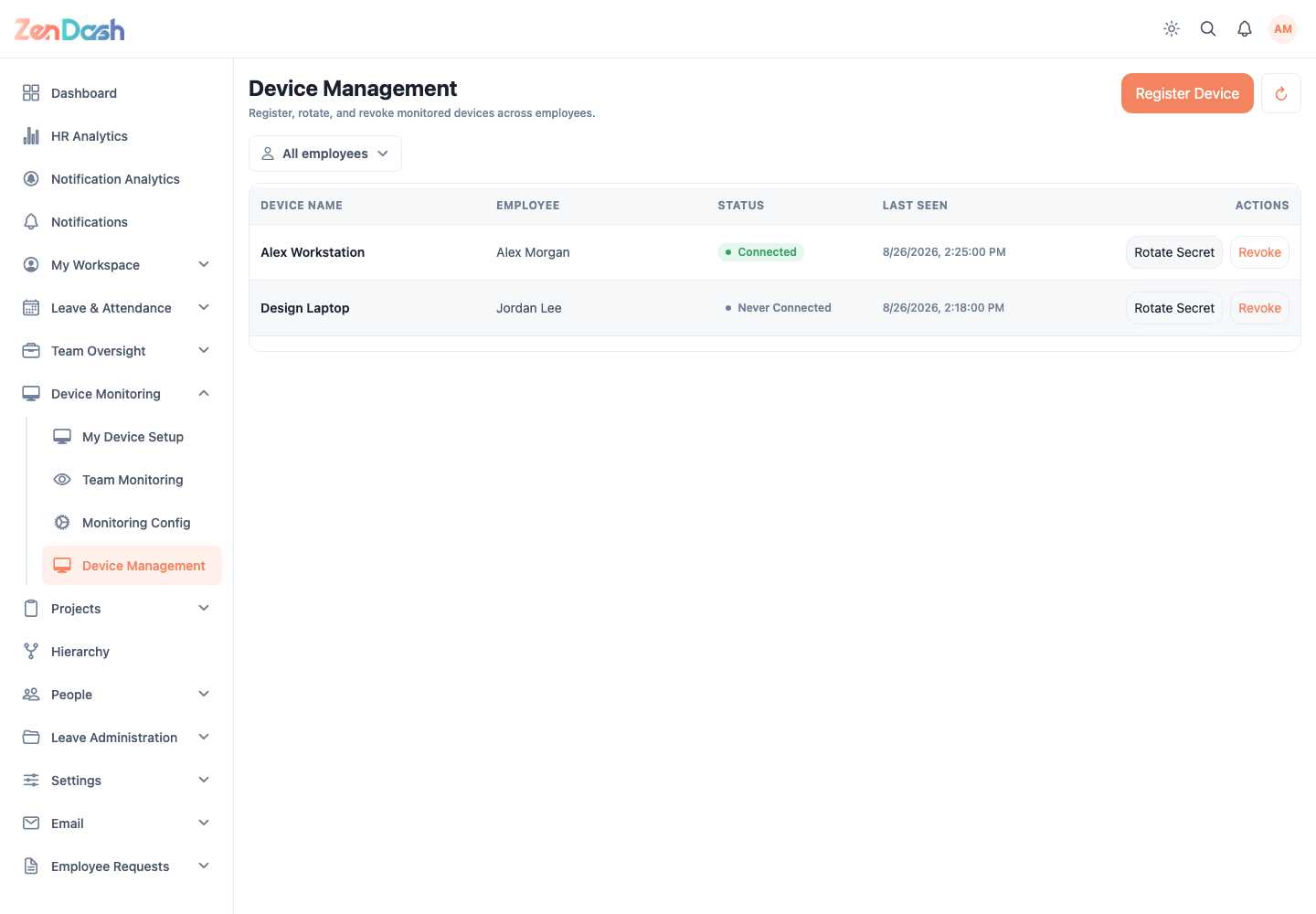
Select Register Device, choose the Employee, enter Device Name, and register it. Transfer the resulting setup secret only through an approved secure channel.
Use Rotate Secret when a device credential must be replaced. Update the agent with the new secret because the previous value stops working. Use Revoke to stop a device from reporting; the confirmation names the device and employee.
Filter or select an employee to focus the device list. Connection and revocation states indicate whether each registration is still usable.
A newly registered or rotated secret is shown for operational setup. Do not capture or store it in the documentation repository.